

Appearance
Alerts and profile
The Alerts tab keeps you up to date with the workspace, and Profile shows which bench the phone is paired with.
Alerts
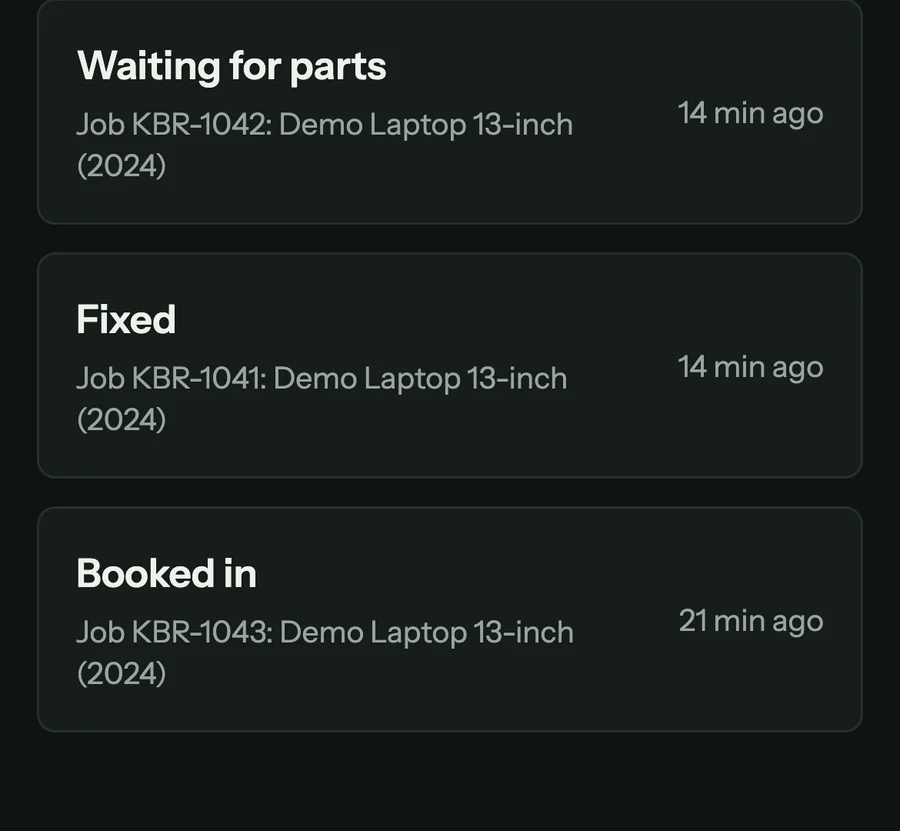
The Alerts tab lists changes in your workspace while the app is open, checked every 30 seconds: a job moving to a new status, a diagnosis ready on the bench, a fix confirmed, and a customer opening a report you shared. Tap a job's line to open the job. The first time, the phone shows "Get alerts on this phone" with Continue.
Profile
Profile shows the account the pairing belongs to (the workspace, its plan and its seats) and the paired bench (the bench, the workspace, the server, the key by prefix, and when it was paired).
- Pair with a different bench starts pairing again. Use it when the phone moves to another bench.
- Sign out asks "Sign out of this phone?". It revokes the phone's key and forgets the pairing. The bench and its sessions are untouched.
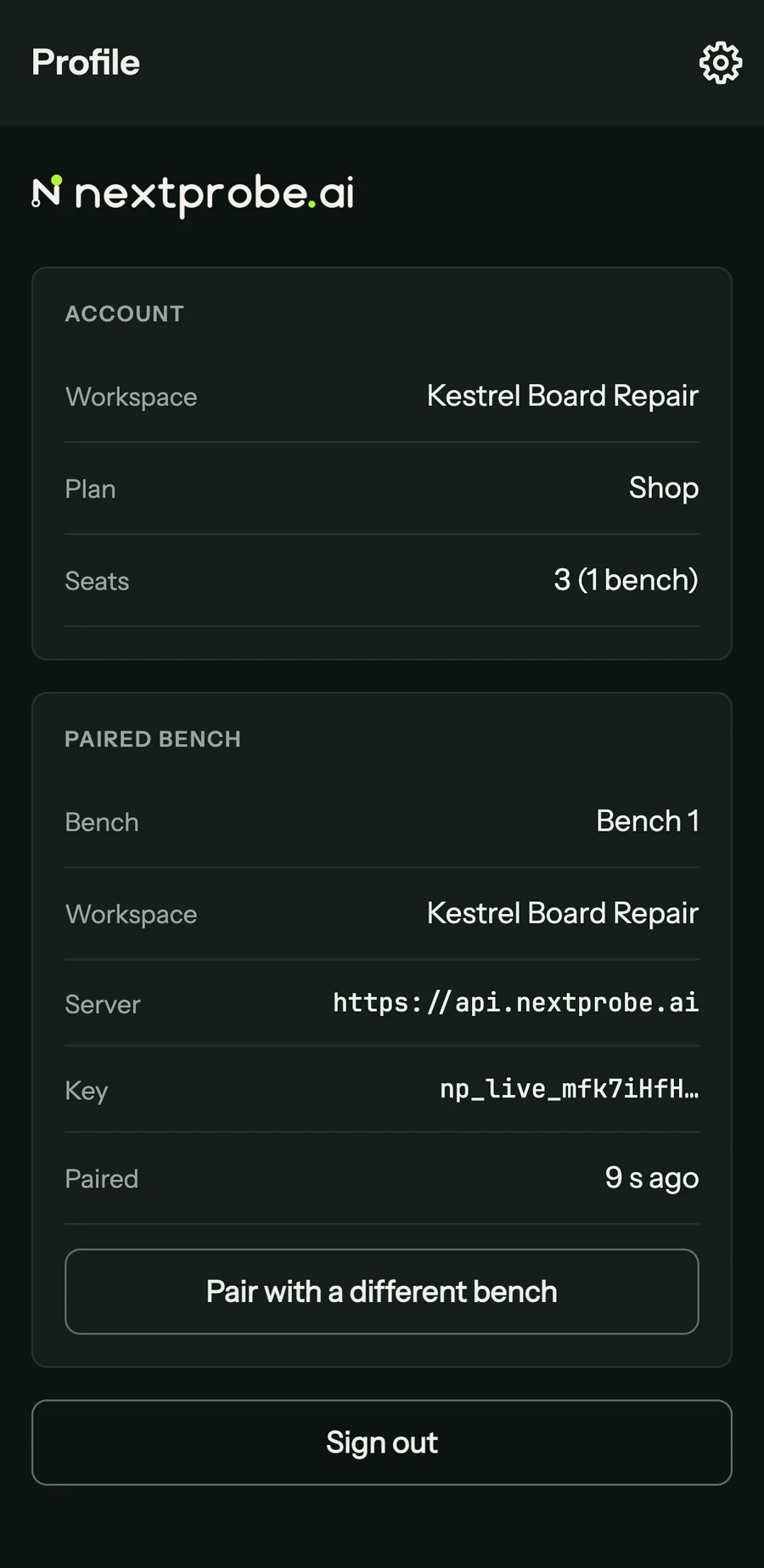
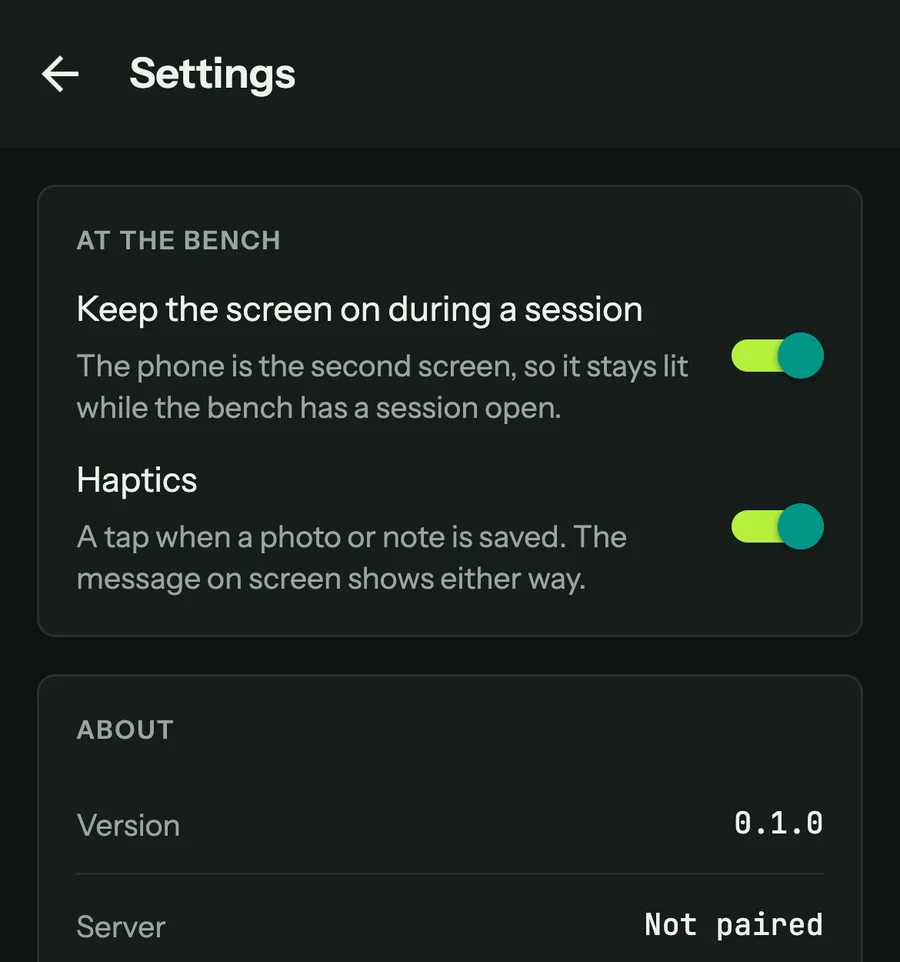
The gear at the top right opens the app's settings:
- Keep the screen on during a session: the phone stays lit while the bench has a session open.
- Haptics: a tap when a photo or note is saved. The message on screen shows either way.
- About: the app's version and the server it is paired with.
The phone app has no account of its own to delete. To export your data or delete your account, use Settings in the web app (The web app).