Appearance
Web app settings
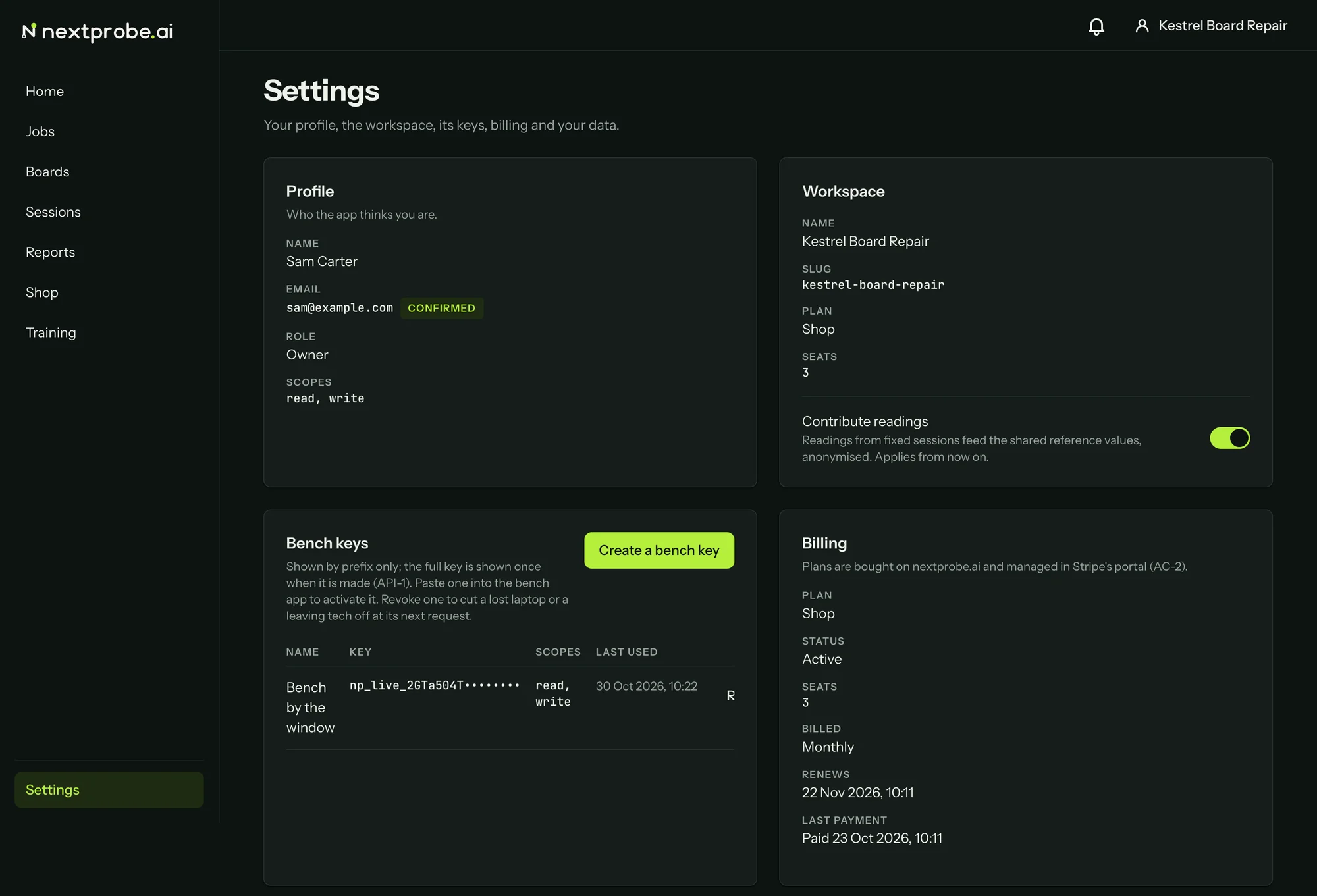
Settings is your profile, the workspace, its keys, billing and your data.
Profile
Your name, email, role and the scopes your sign-in carries. An email you have not confirmed yet shows Not confirmed yet. Click it to open the confirmation page, where Send the email again sends a fresh link.
Workspace
The workspace's name, slug, plan and seats, and the Contribute readings switch, which only an owner can change. With it on, readings from fixed sessions are anonymised and pooled into the reference values every tech sees. With it off, they stay in your workspace. The change applies from then on. If you belong to several workspaces, Switch workspace is here too.
Bench keys
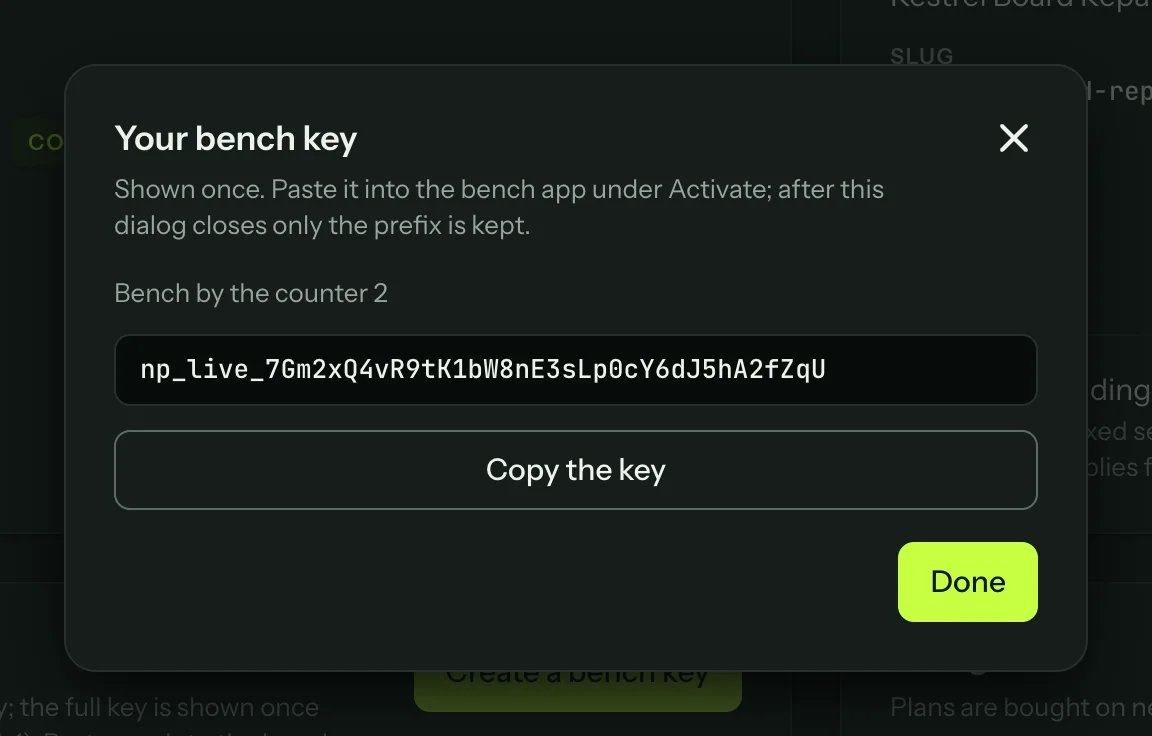
Bench keys sign a bench in by hand, for a bench that cannot use "Sign in with your browser". Press Create a bench key, name it after the bench it will live on, and press Create the key. The key is shown once: press Copy the key and paste it into the bench app under "Use a workspace key instead". After you press Done, only the prefix is kept. Revoke cuts a key off at its next request.
Billing
The plan, its status, the seats, how it is billed, when it renews and the last payment. Plans are bought on nextprobe.ai. Where your subscription has them, Manage billing opens the billing portal and Last invoice opens the latest invoice. A workspace with no subscription says so here.
Your data
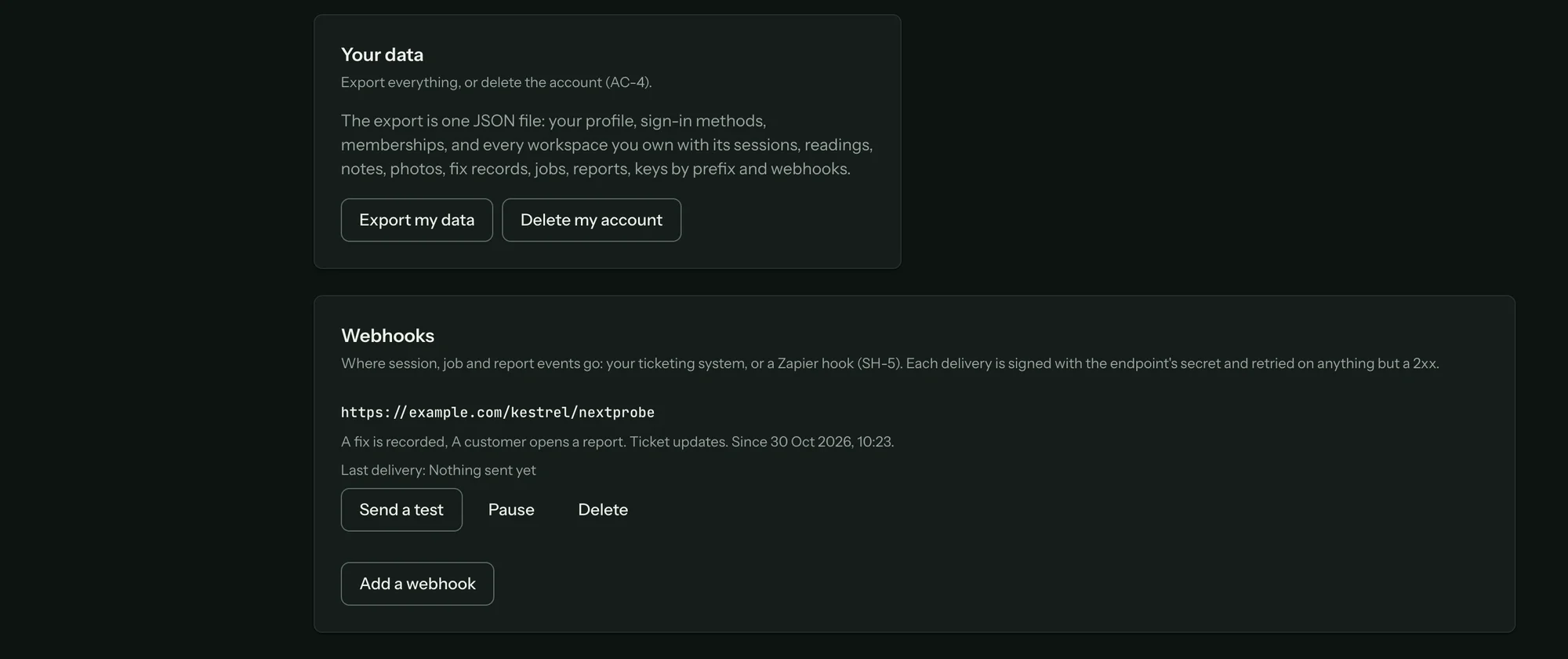
Export my data downloads one JSON file: your profile, sign-in methods, memberships, and every workspace you own with its sessions, readings, notes, photos, fix records, jobs, reports, keys by prefix and webhooks.
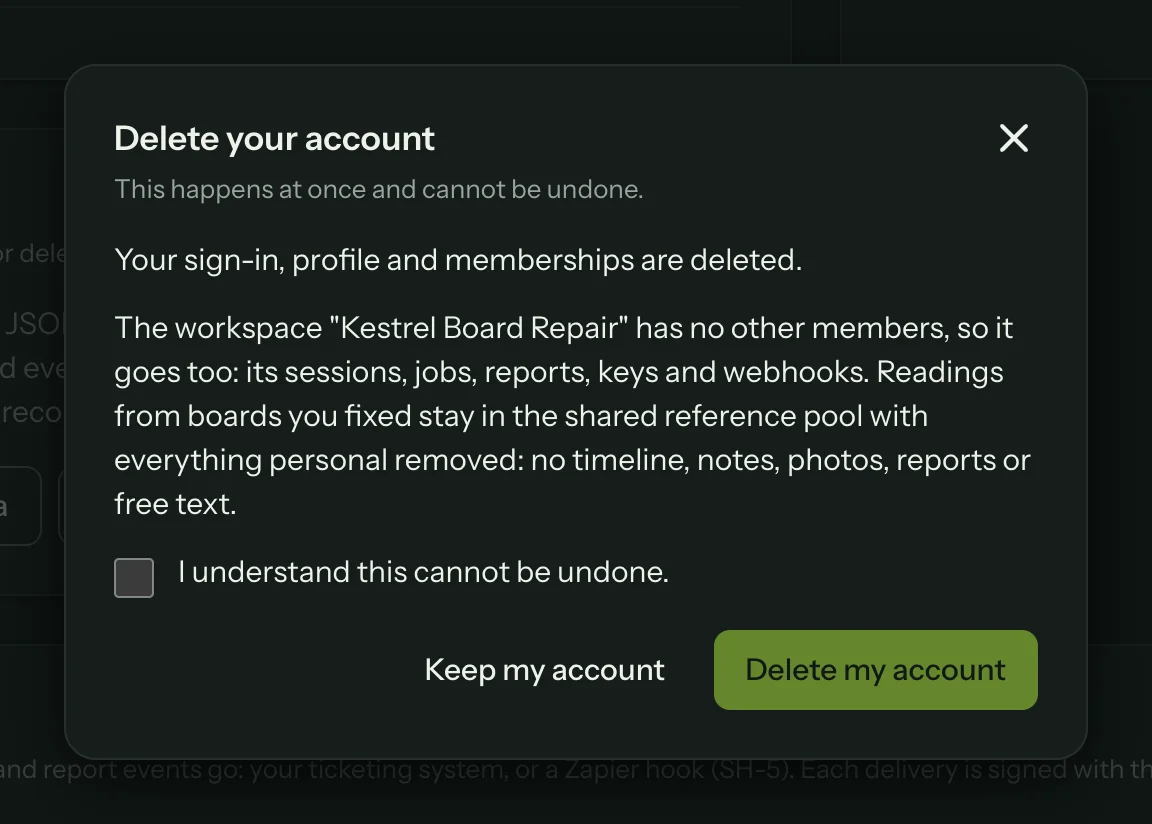
Delete my account deletes your sign-in, profile and memberships. If you are the only member of a workspace, the workspace goes too, with its sessions, jobs, reports, keys and webhooks. Readings from boards you fixed stay in the shared reference pool with everything personal removed. Tick "I understand this cannot be undone." and press Delete my account, or Keep my account to back out.
If you signed in to the web app with a bench key, export and deletion are replaced by "Sign in with your account to export or delete it."
Webhooks
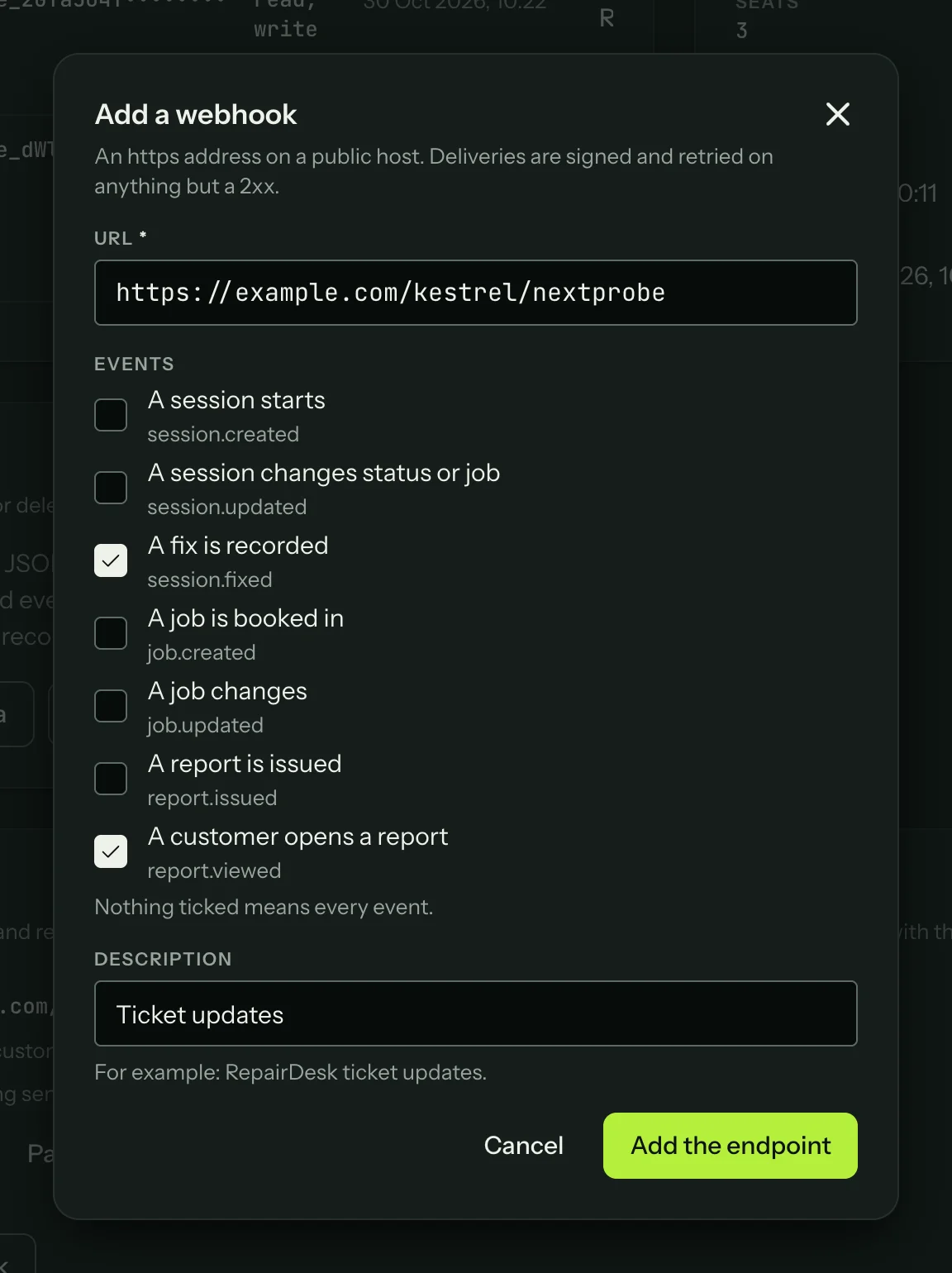
Webhooks send session, job and report events to your shop software or an automation service. Press Add a webhook, give an https address on a public host, tick the events you want (nothing ticked means every event) and add a description. Add the endpoint shows the signing secret once. Your software checks the X-NextProbe-Signature header with it: sha256= followed by the hex HMAC-SHA256 of the raw body.
The events are session.created, session.updated, session.fixed, job.created, job.updated, report.issued and report.viewed. Deliveries are retried on anything but a 2xx reply. Each endpoint shows its last delivery, with Send a test, Pause (and Resume) and Delete.