

Appearance
Book in a job
Press Book in a job. The sheet works top to bottom, the way a counter conversation does.
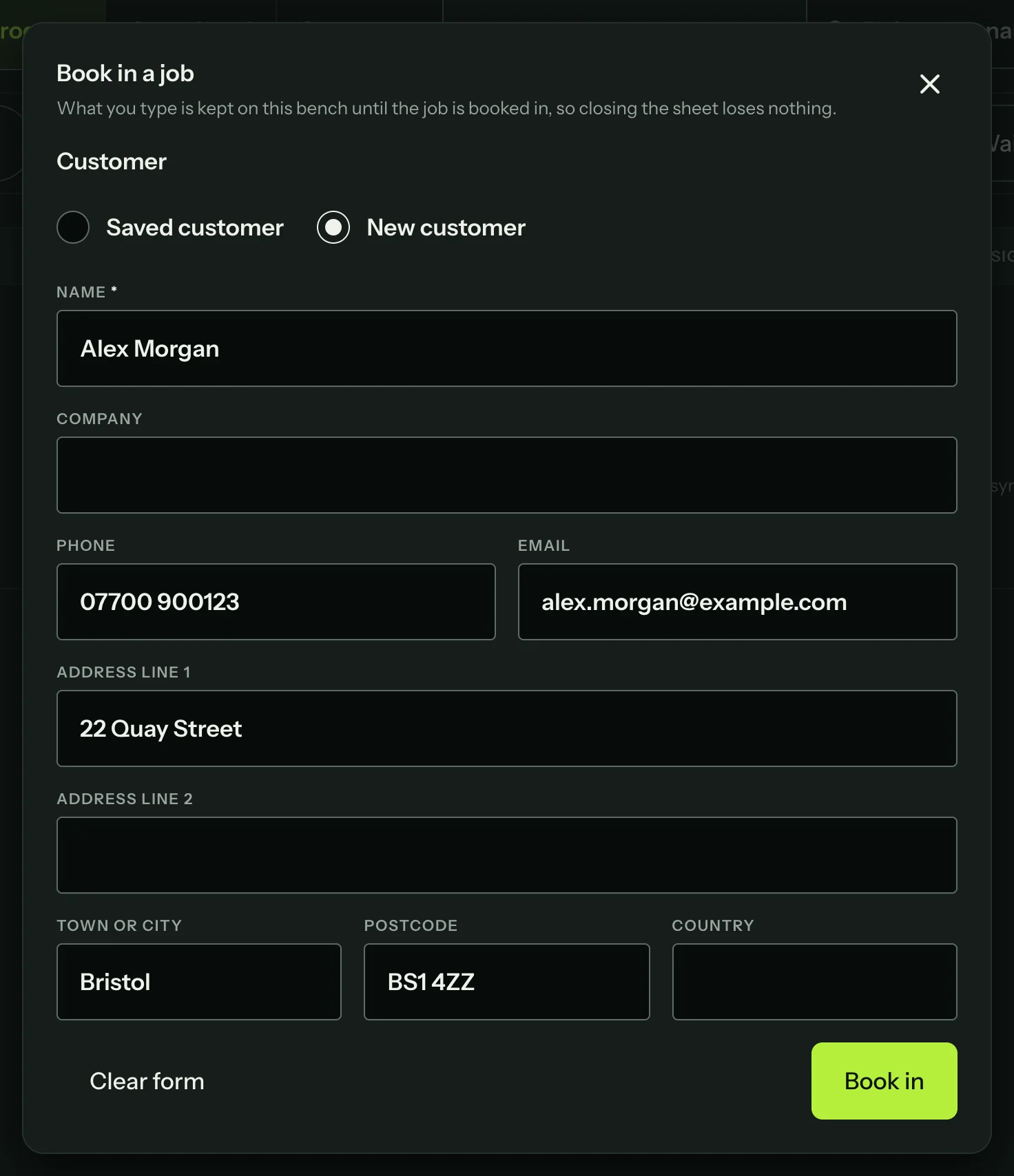
Customer: choose Saved customer and search by name, phone, email or postcode, or choose New customer and fill in the details. Only the name is required. Notes here are seen by the shop only.
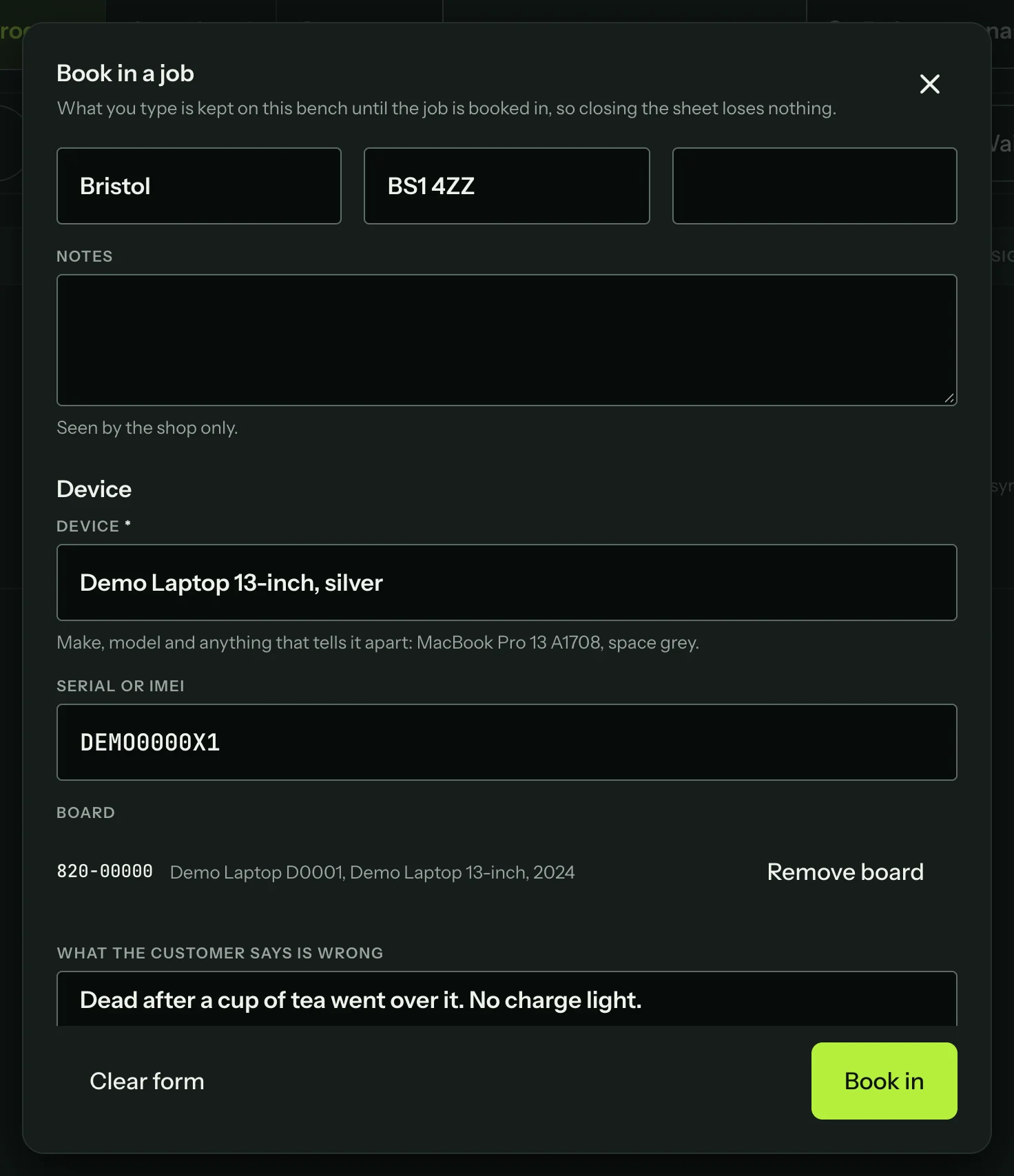
Device:
| Field | What to put |
|---|---|
| Device | Make, model and anything that tells it apart. Required. |
| Serial or IMEI | As printed on the device. |
| Board | Optional. Pick it with the same picker as Home if you know it, and Start diagnosis will pick it for you. |
| What the customer says is wrong | In their words. It prints on the reports as what they told you. |
| Job reference | The next number after your last job, from your workspace when the bench is online. Change it to match your own system. |
| Status | Usually Booked in. |
| Promised by | The day you told the customer. The job turns overdue once it has passed. |
| Urgent | Marks the job in the list and on the job. |
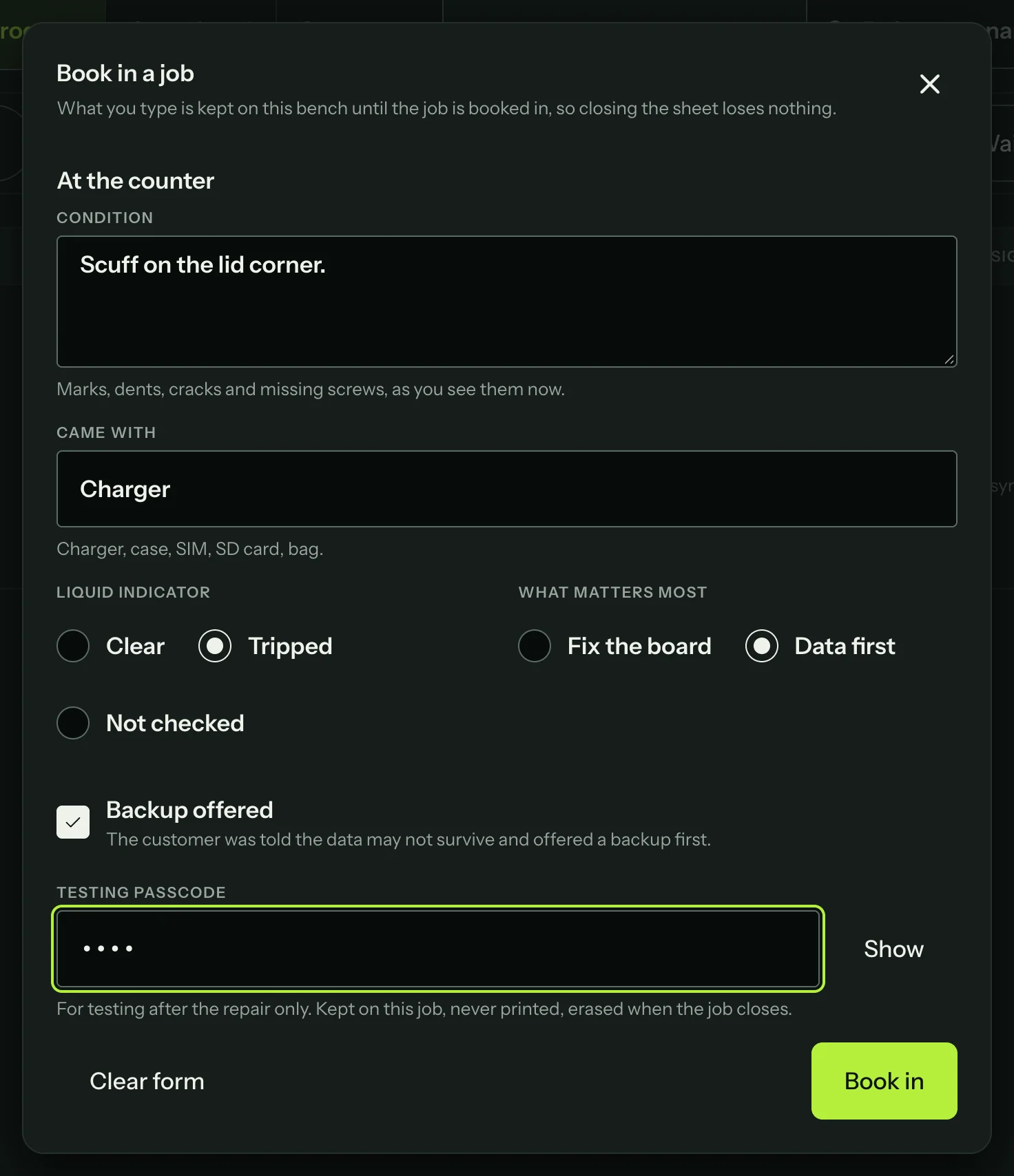
At the counter:
| Field | What to put |
|---|---|
| Condition | Marks, dents, cracks and missing screws, as you see them now. |
| Came with | Charger, case, SIM, SD card, bag. |
| Liquid indicator | Clear, Tripped or Not checked. Tripped turns on the liquid damage step when the session starts (Liquid damage). |
| What matters most | Fix the board, or Data first. Data first puts a reminder on the job to keep heat away from the storage chip and not to restore or erase. |
| Backup offered | Tick when you told the customer the data may not survive and offered a backup first. |
| Testing passcode | For testing after the repair only. It is hidden until you press Show, never printed, and erased when the job is collected or returned unrepaired. |
Press Book in. What you typed is kept on the bench while the sheet is closed, so closing it by accident loses nothing. Clear form empties it.
Job references are unique across your workspace. If another bench booked a job under the same reference while this one was offline, the bench says so when it syncs ("J-0042 was already on another job, so this one is J-0042-2") with Open job, so you can change the ticket or label you wrote.