

Appearance
Tools in a session
The steps cover the usual path. These tools are for everything around it: a point you want to measure yourself, a good board to compare against, a short to hunt down, a board that went in liquid. Each one runs as a detour inside the session. When the detour finishes, the session carries on from where it was, and every reading lands on the same timeline and the same reports.
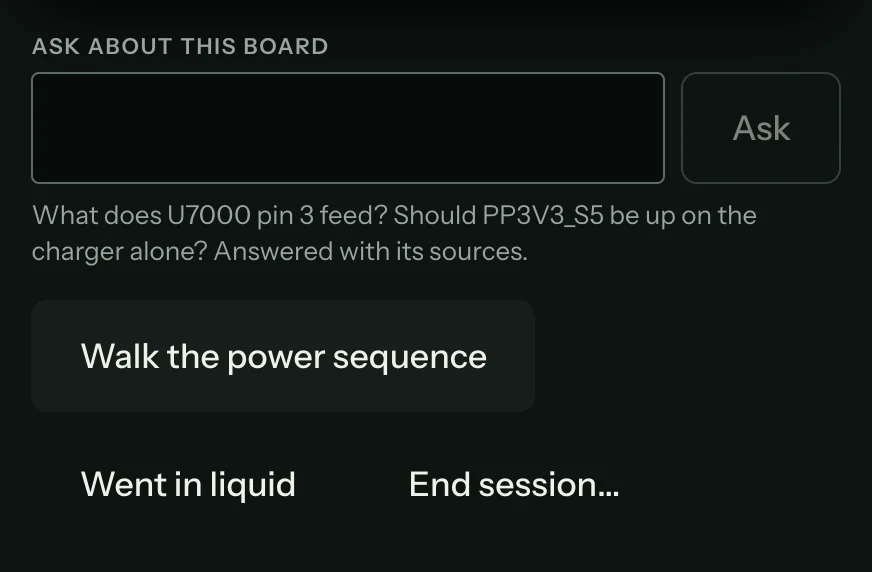
Most of them are under the step card on the session screen: Ask about this board, then Walk the power sequence, Went in liquid and End session…. Measure here is on the board's right-click menu, Known-good board sits in the Reading panel, and the short hunter offers itself when a reading comes in as a short.
| Tool | Use it when |
|---|---|
| Measure here | You want a reading on a point the step didn't ask for. |
| Compare with a good board | You have a working board of the same revision to measure as the reference. |
| Hunt a short | A rail reads as a short to ground and you need the part that's pulling it down. |
| Walk the power sequence | You want each rail measured in the order it should come up. |
| Liquid damage | The board has been in liquid and needs cleaning before any powered step. |
| Trainee mode | A trainee should read the meter before seeing the expected range. |
| Ask about this board | You have a question about the board in front of you. |
| When the fault tree runs out | The guided steps have no more to say about these readings. |
| End a session | The board won't reach a fix today. |