Appearance
Measure here
Right-click any pad or net on the board during a session and choose Measure here. A sheet asks how to measure it:
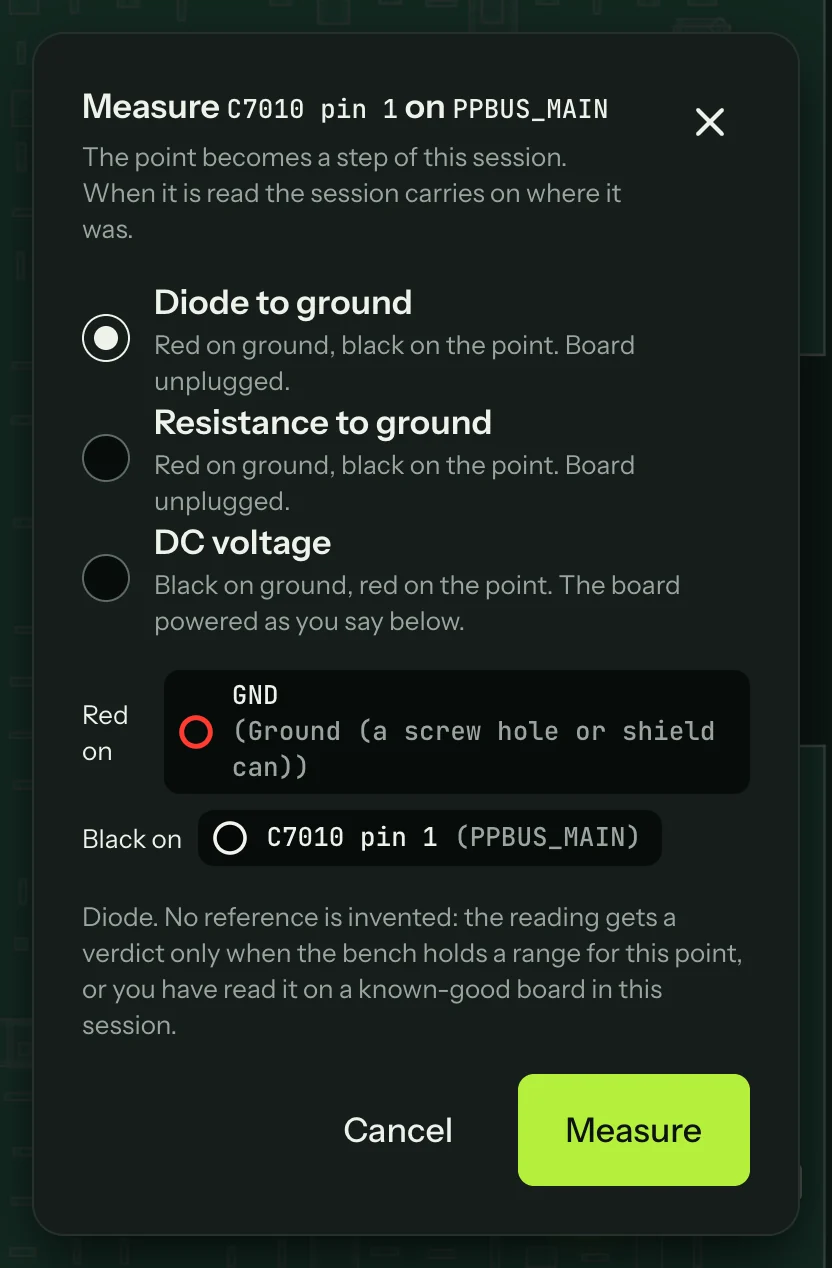
- Diode to ground: red on ground, black on the point, board unplugged.
- Resistance to ground: red on ground, black on the point, board unplugged.
- DC voltage: black on ground, red on the point, with the board powered as you choose under it.
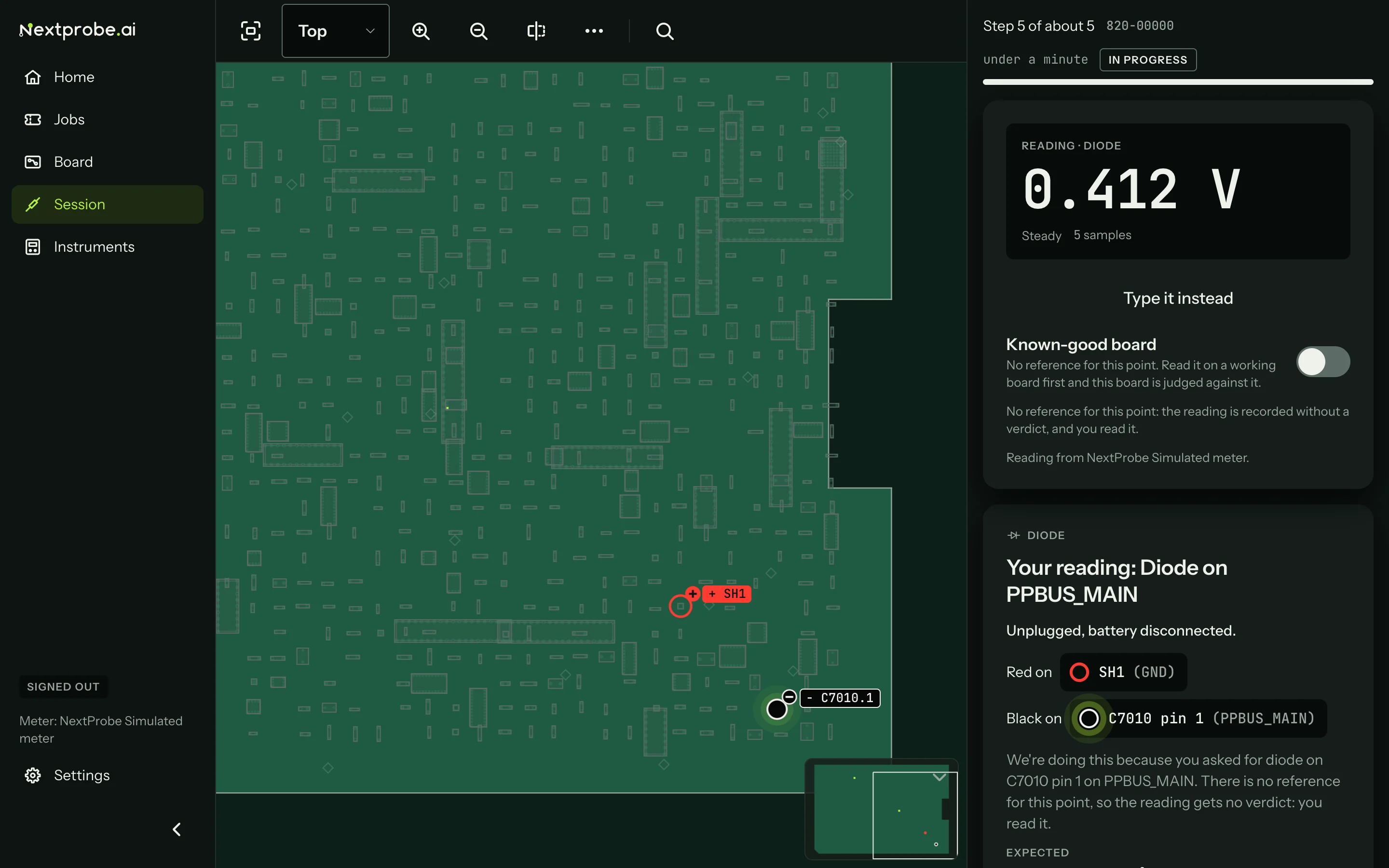
Press Measure. The point runs as a step of its own, with the leads marked on the board, and the session returns to its place once the reading is taken. NextProbe never invents a range for a point you picked yourself: the reading gets a verdict only when the bench holds a range for that point, or when you have read it on a known-good board in this session. Otherwise the timeline marks it "No reference".