

Appearance
Take a reading
Put the leads where the card says. The Reading panel shows the live value in large figures. When the meter is steady, a bar fills under the value; if the reading holds still until the bar is full (1.2 seconds unless you change it), the bench takes it.
When the reading is taken:
- Two bright beeps play once it is saved. That is your signal to lift the probes.
- The verdict appears with its tone, and the reading flashes once.
- A line explains the verdict in numbers.
- "Next step in 2 s" counts down, and the next step loads.
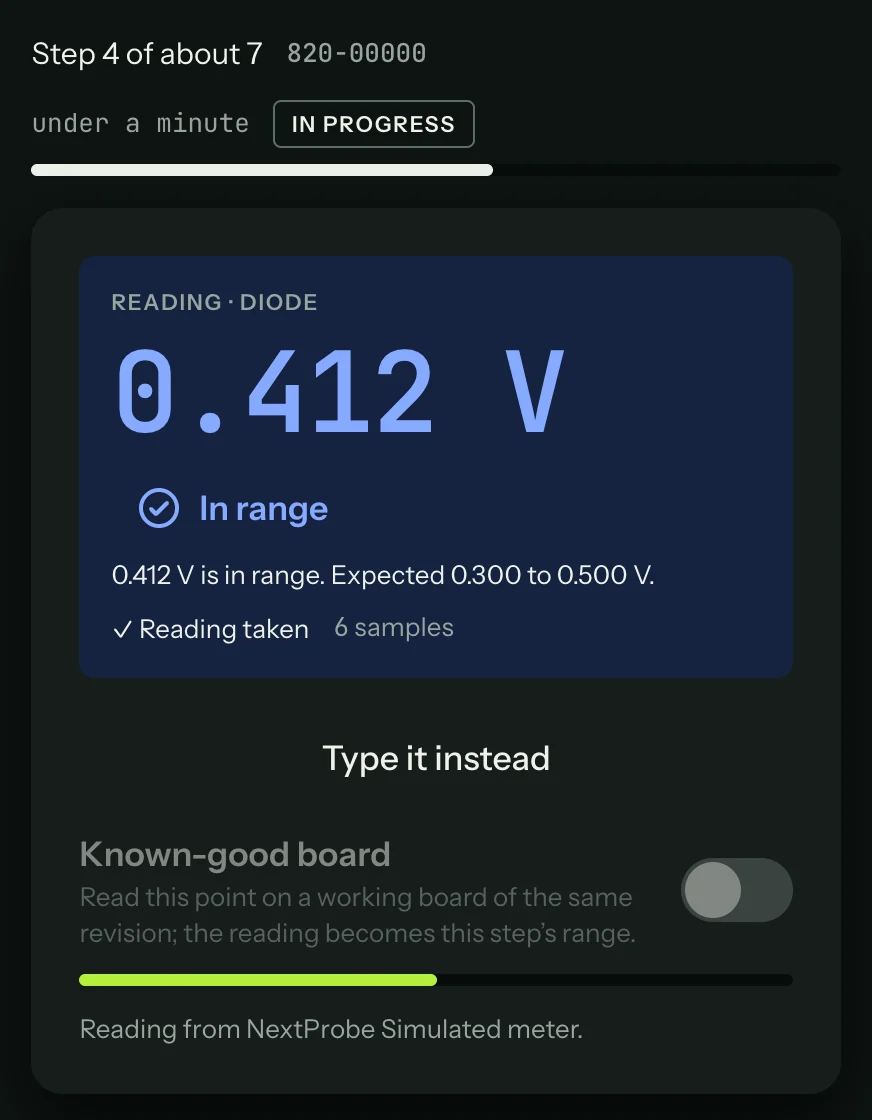
Press Next (or Space) to move on at once. Press Back during the countdown to stay on the step.
A few things the Reading panel may tell you:
"Hold the probe on the point" while the bar fills.
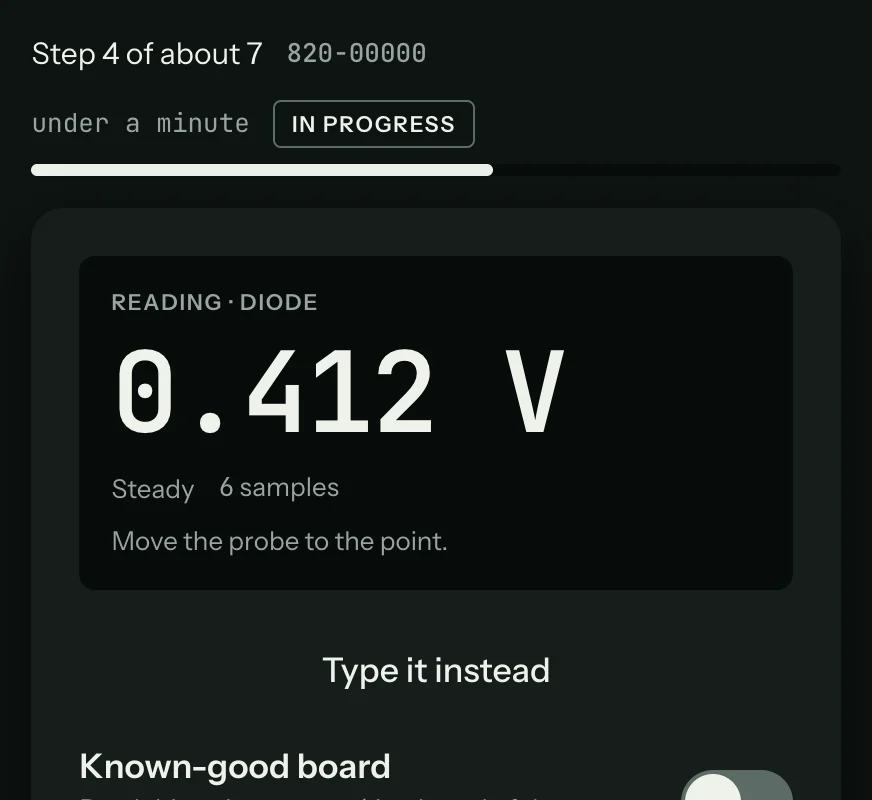
"Move the probe to the point" when the reading hasn't changed since the last step, which usually means the probe hasn't moved. It stops the previous point being saved twice.
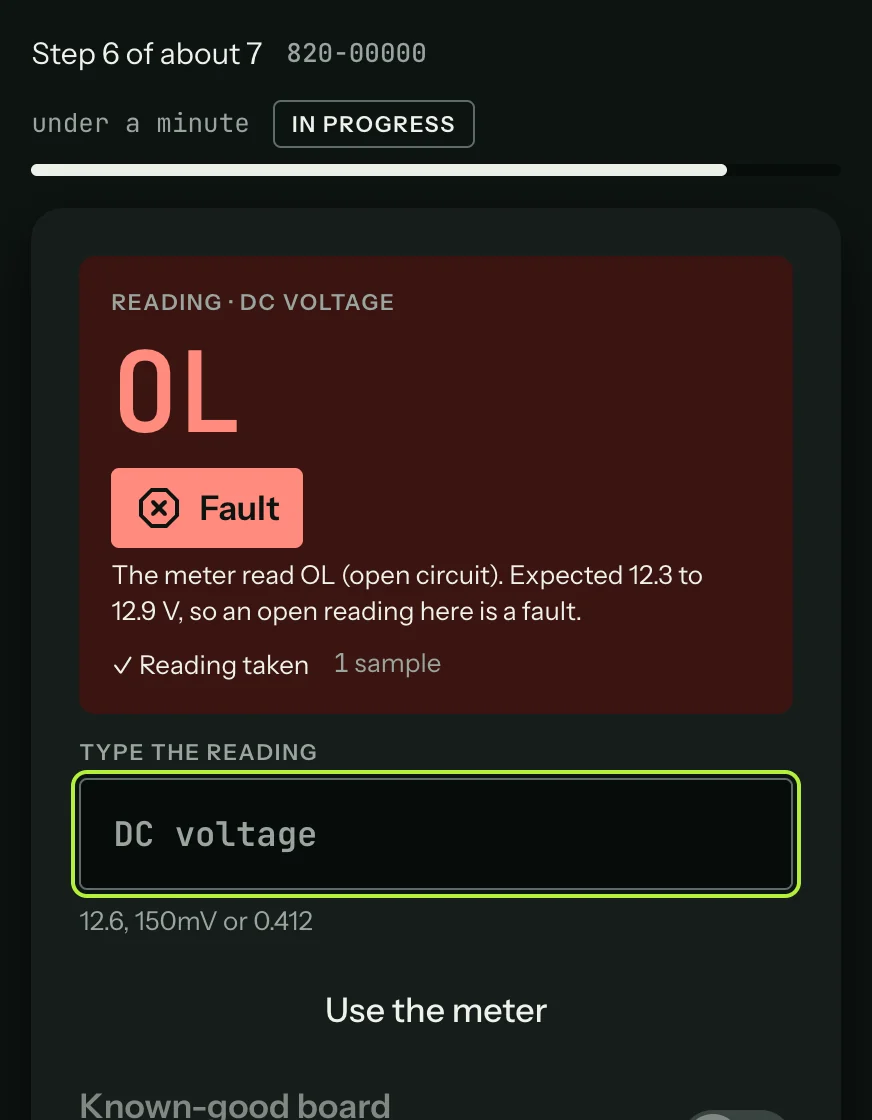
An overload (OL) never takes itself. When OL is the answer, press Capture, or type
OL."No reading from the meter for a few seconds" if the meter stops sending. Capture is refused until readings come back.
A Continuity badge appears while the continuity tone sounds (under 50 Ω on a continuity or resistance step).
The panel always says who took the reading: "Reading from" and the meter's name, or "Typed by you".
Taking readings by hand
If you would rather choose the moment, turn Auto-capture off in Settings → General. A steady reading then waits for you: press Capture, Space, or tap the foot pedal. This suits walking a row of pins, where you don't want each pin taking itself. Settings also sets how long the reading must hold and how much it may wander (Settings: General).
Typing a reading
With no meter connected, or when you would rather read the display yourself, press Type it instead, type the reading and press Enter. Use the meter switches back.
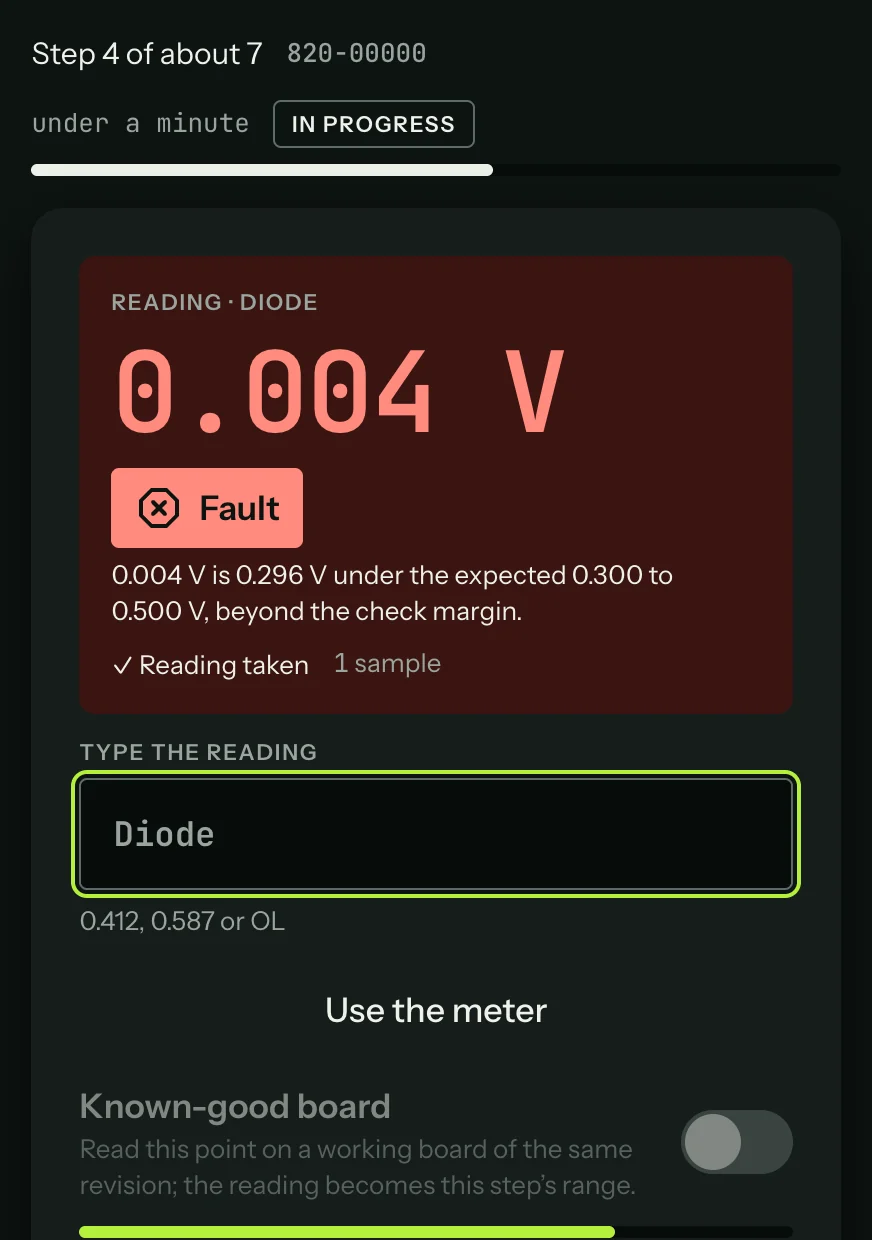
The field takes the forms you would write down:
| You type | It reads |
|---|---|
0.41 | 0.41 in the step's unit (volts on a diode step) |
1.2k or 1200 | 1.2 kΩ |
150mV | 0.15 V |
4.7u | 4.7 µF |
12,6 | 12.6 (a comma is a decimal point when there is no point) |
OL or open | An open circuit |
A unit from another mode is refused, so a resistance typed into a voltage step is caught before it is saved.
Something not working?
See Troubleshooting: sessions, or get help.