

Appearance
Compare with a good board
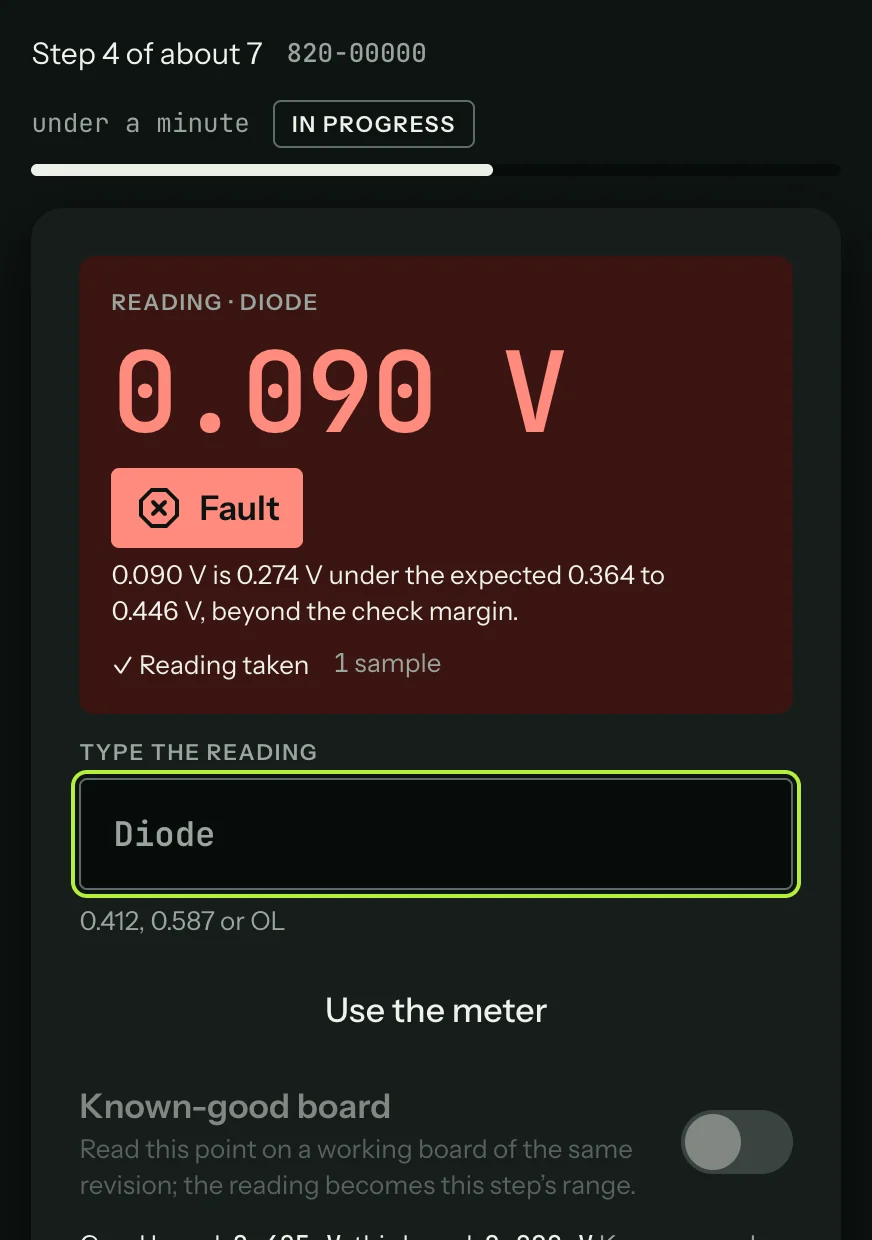
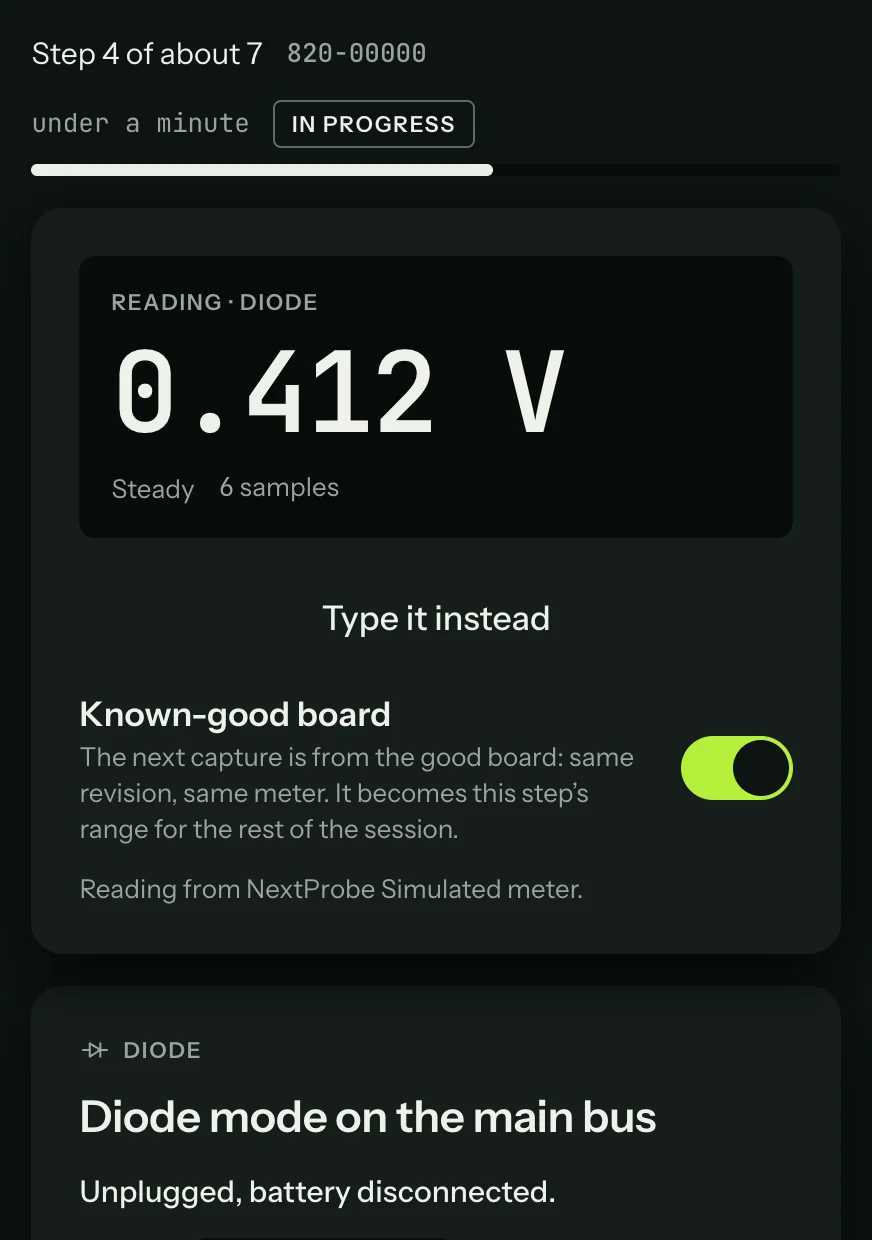
When you have a working board of the same revision, its readings make the best reference of all. Under the Reading panel, turn on Known-good board, put the good board under the probes and take the reading. That reading becomes the step's range, with a stated tolerance for the mode, and the panel then compares the two: "Good board: 0.412 V, this board: 0.090 V".
When the session is testing steps that have no range of their own (often the case beyond the fault tree), "Survey these points on a good board" under the suspect list runs each of them on the good board in turn. After that, the same points on your board are judged against your own figures.