

Appearance
Liquid damage
Press Went in liquid when the board has had a drink. The session adds a cleaning step before anything else:
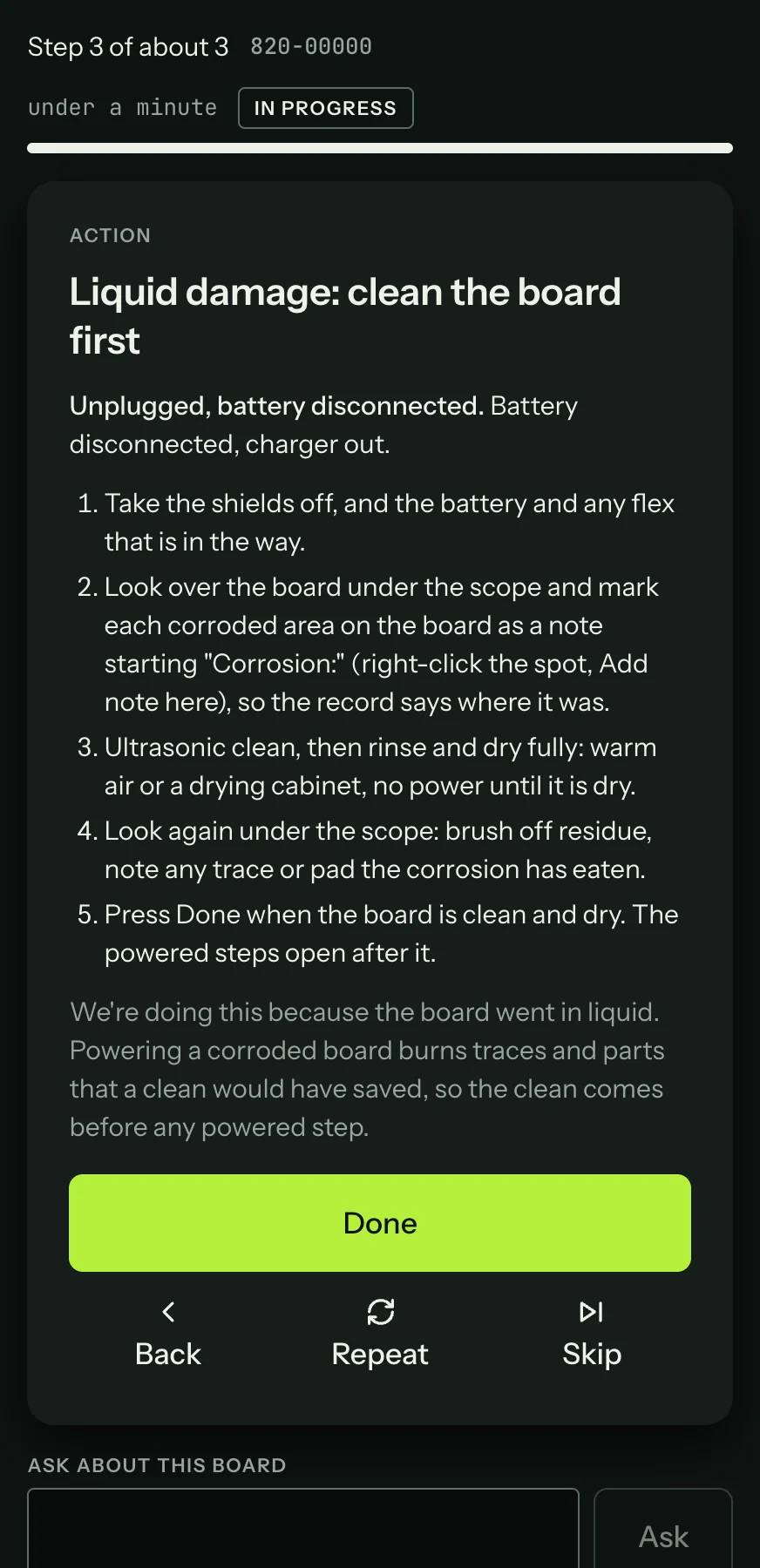
It walks through taking the shields off, marking each corroded area as a note (right-click the spot, Add note here, starting the note with "Corrosion:"), cleaning, drying and a second look under the microscope. Every powered step stays locked until you press Done. A job booked in with a tripped liquid indicator turns this on by itself when the session starts.