

Appearance
Find and resume sessions
Home lists the recent sessions on this bench, newest first, each with the day and a Resume button. If a session can't be resumed, the row says why.
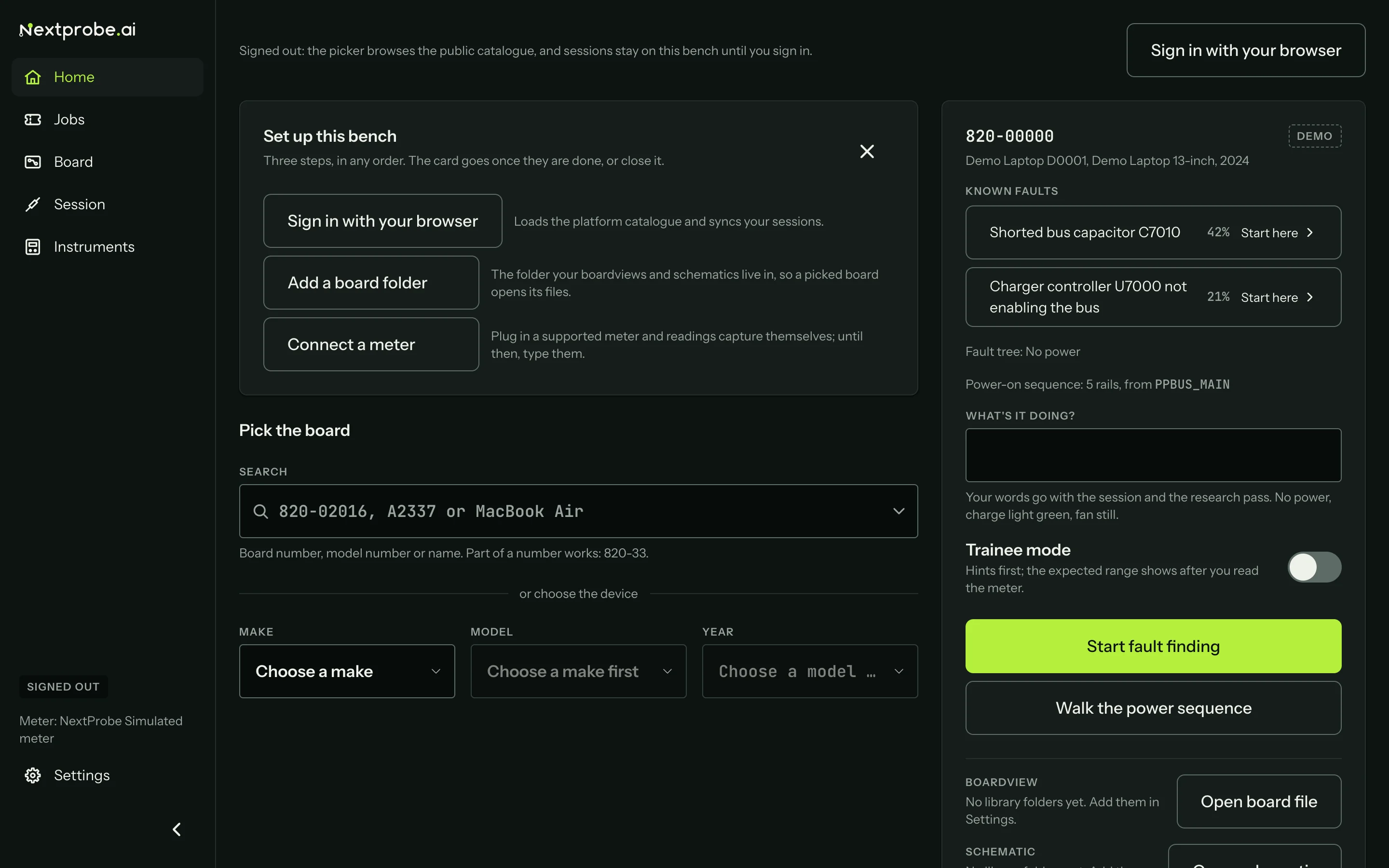
When you open NextProbe after it closed with a session open, Home offers to continue it, with Resume and Not now.
A resumed session opens exactly where it was, with the board fitted to the window and the step, the readings and the timeline as you left them.
All sessions
All sessions on Home opens the full list of sessions on this bench, with the most recent change first.
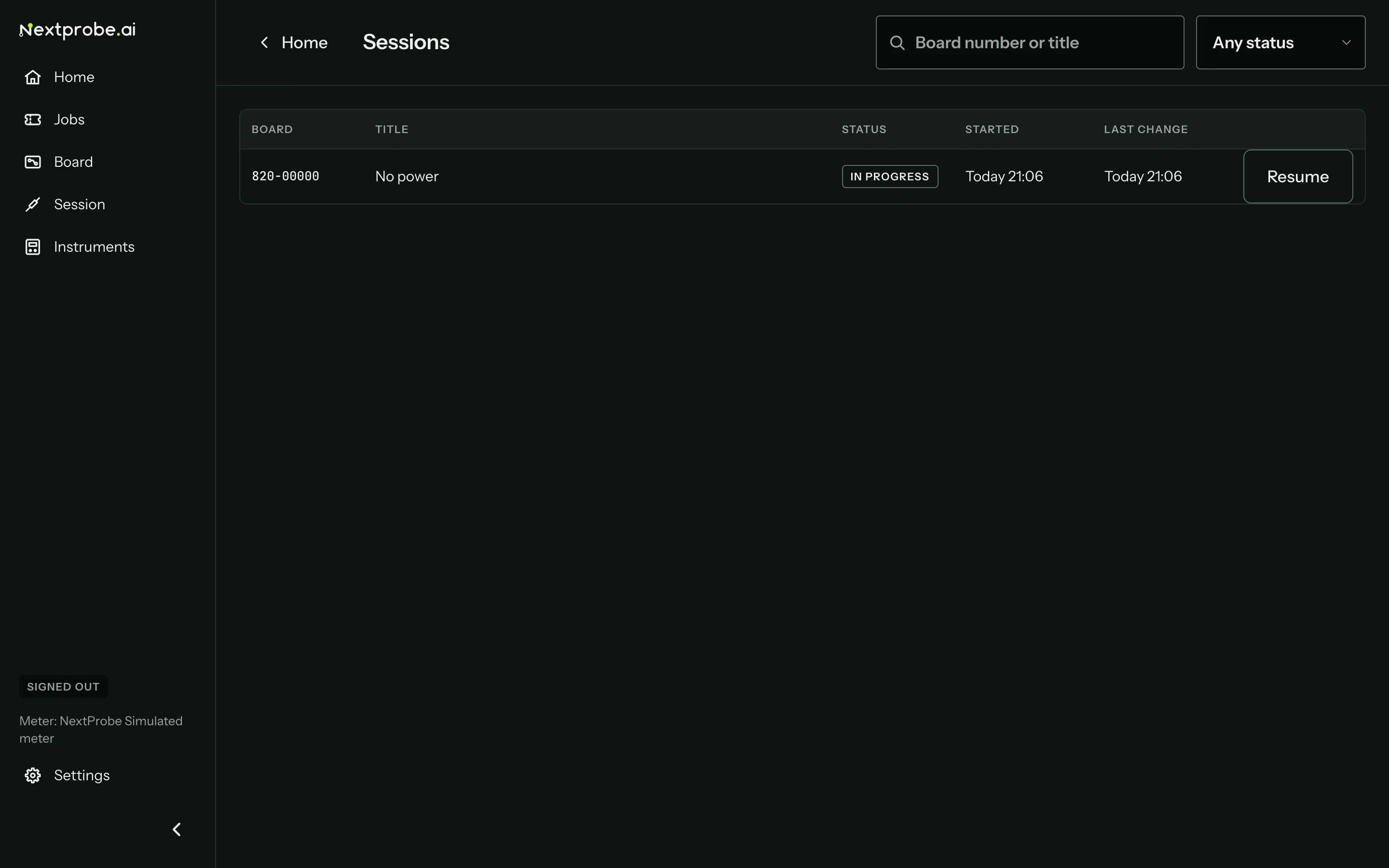
- Each row shows the board number, the session's title, its status, when it started, its last change and Resume.
- Search by part of the board number or the title.
- The status menu shows Any status, In progress, Diagnosed, Fixed, Closed or Abandoned.
- The list shows fifty at a time; Show more loads the next fifty.
Sessions from other benches in your workspace are in the web app (The web app), and on each job's page (The job page).