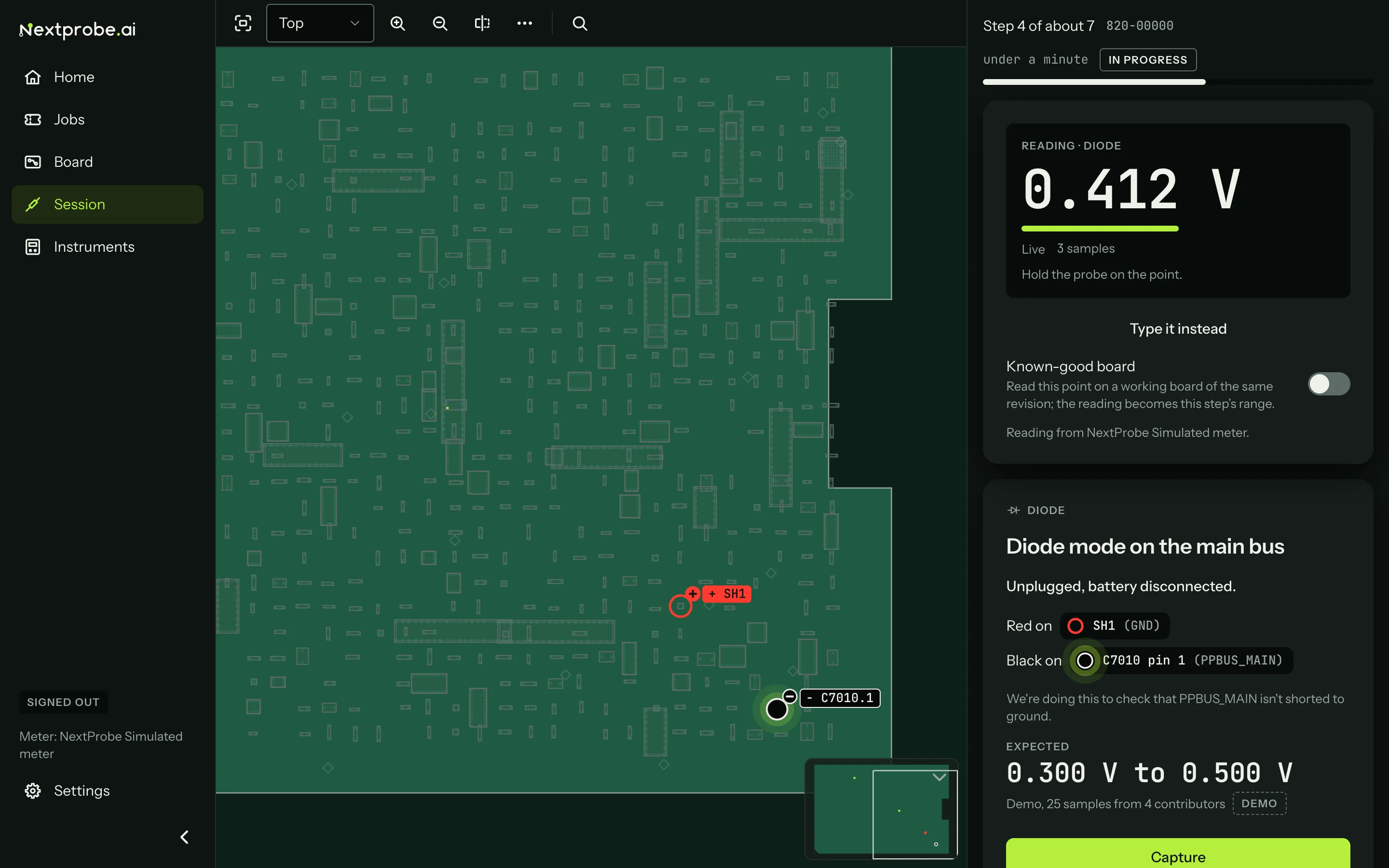
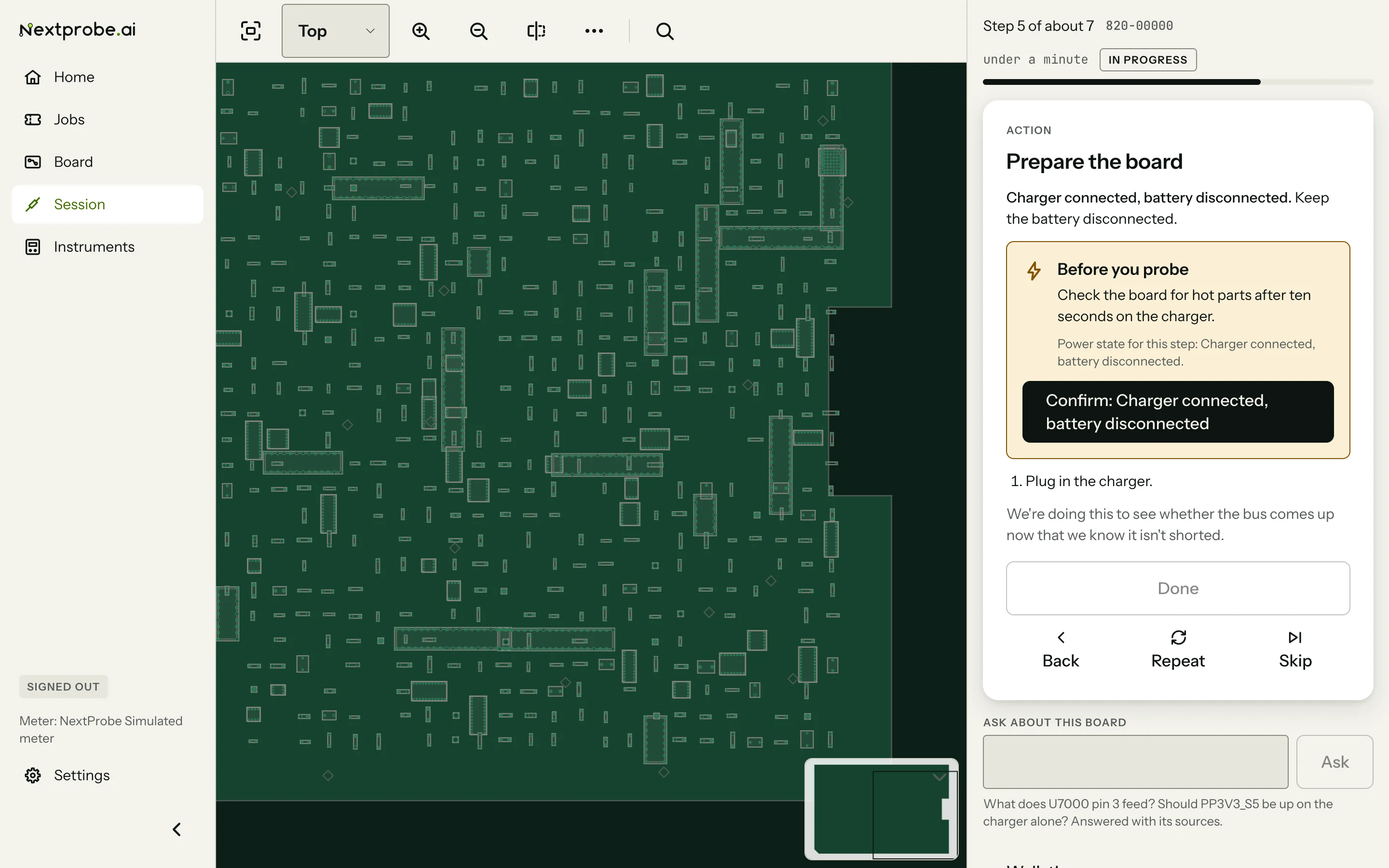
Appearance
Settings: General
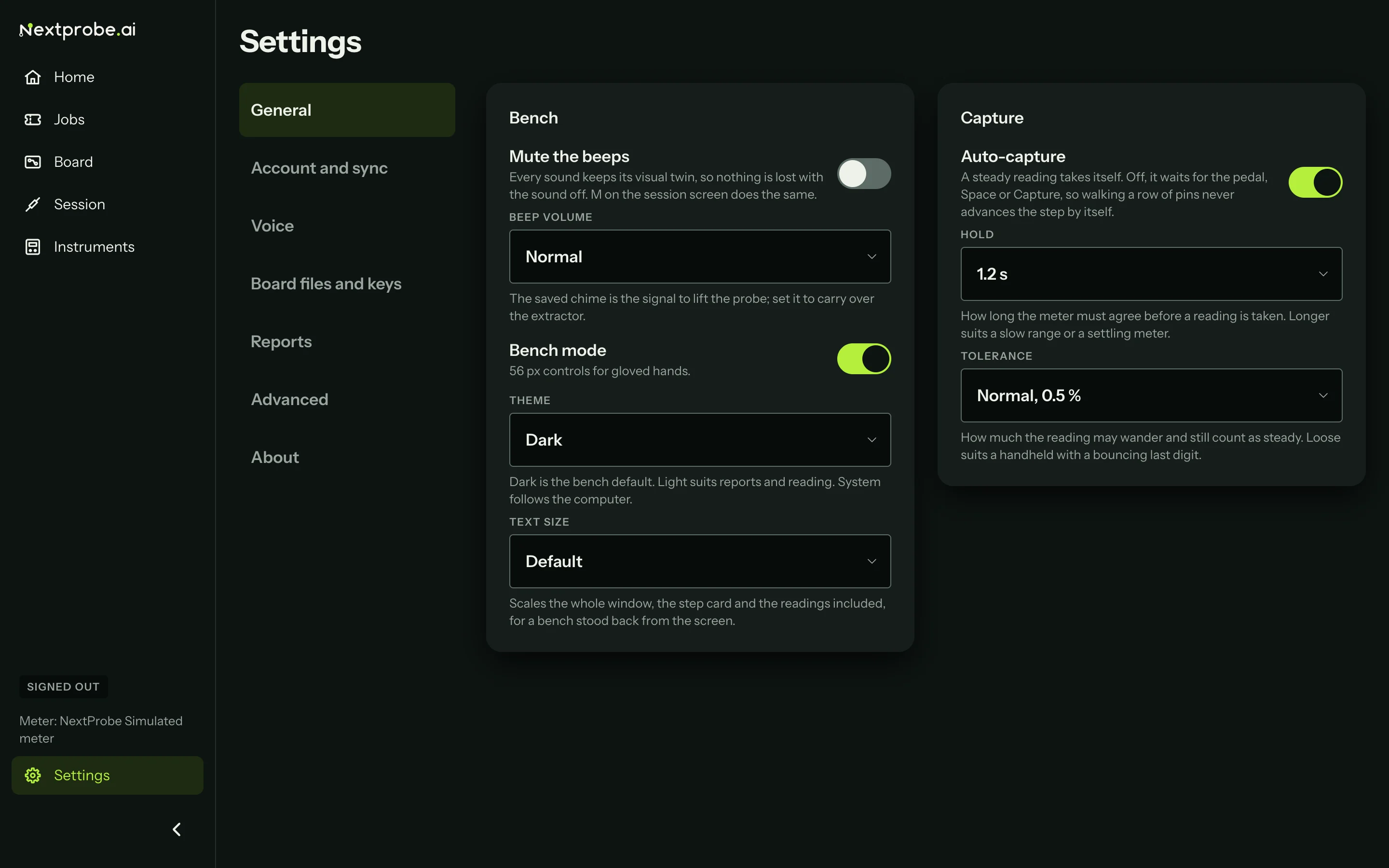
Settings → General sets how the bench looks and sounds, and how readings are taken. Changes apply straight away, the running session included.
| Setting | What it does |
|---|---|
| Mute the beeps | Turns off every beep. Each sound keeps its visual twin. M on the session screen does the same. |
| Beep volume | Quiet, Normal or Loud. Set it to carry over an extractor fan. |
| Bench mode | Raises every control to 56 pixels for gloved hands, and enlarges the step so it reads from a metre away. |
| Theme | Dark (the bench default), Light, or System to follow the computer. |
| Text size | Default, Large or Larger. Scales the whole window, the step card and the readings included. |
| Auto-capture | On, a steady reading takes itself. Off, it waits for the pedal, Space or Capture, so walking a row of pins never advances the step by itself. |
| Hold | How long the meter must agree before a reading is taken: 0.6, 1.2 or 2 seconds. Longer suits a slow range or a meter that settles slowly. |
| Tolerance | How much the reading may wander and still count as steady: Tight (0.2 %), Normal (0.5 %) or Loose (2 %). Loose suits a handheld meter with a bouncing last digit. |