Appearance
Parts
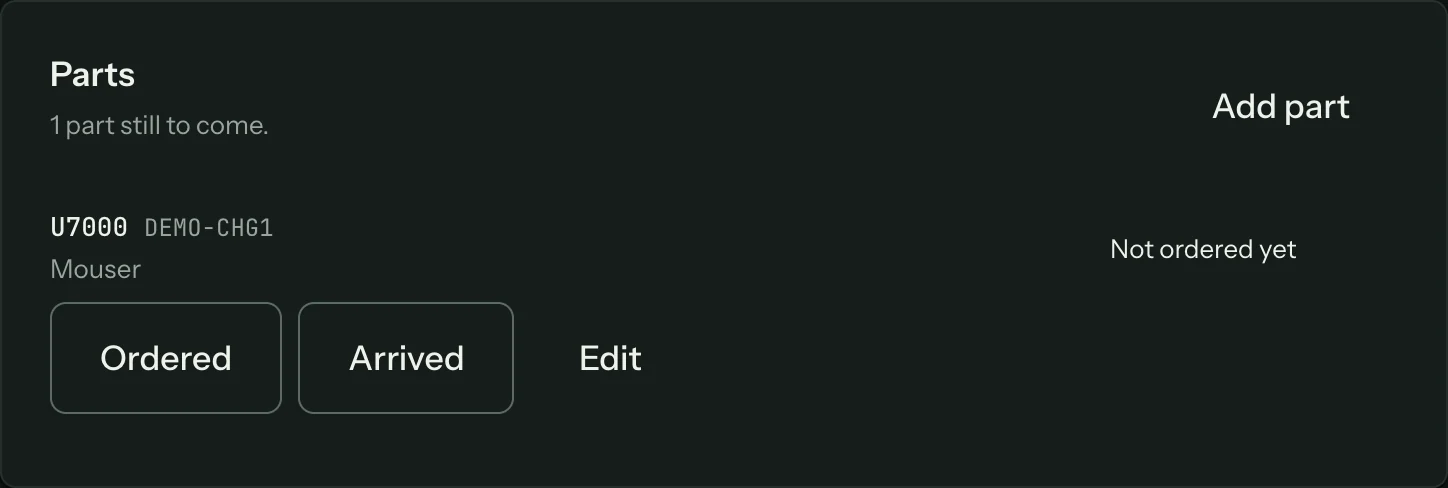
Press Add part on the job to record a part you are waiting for.
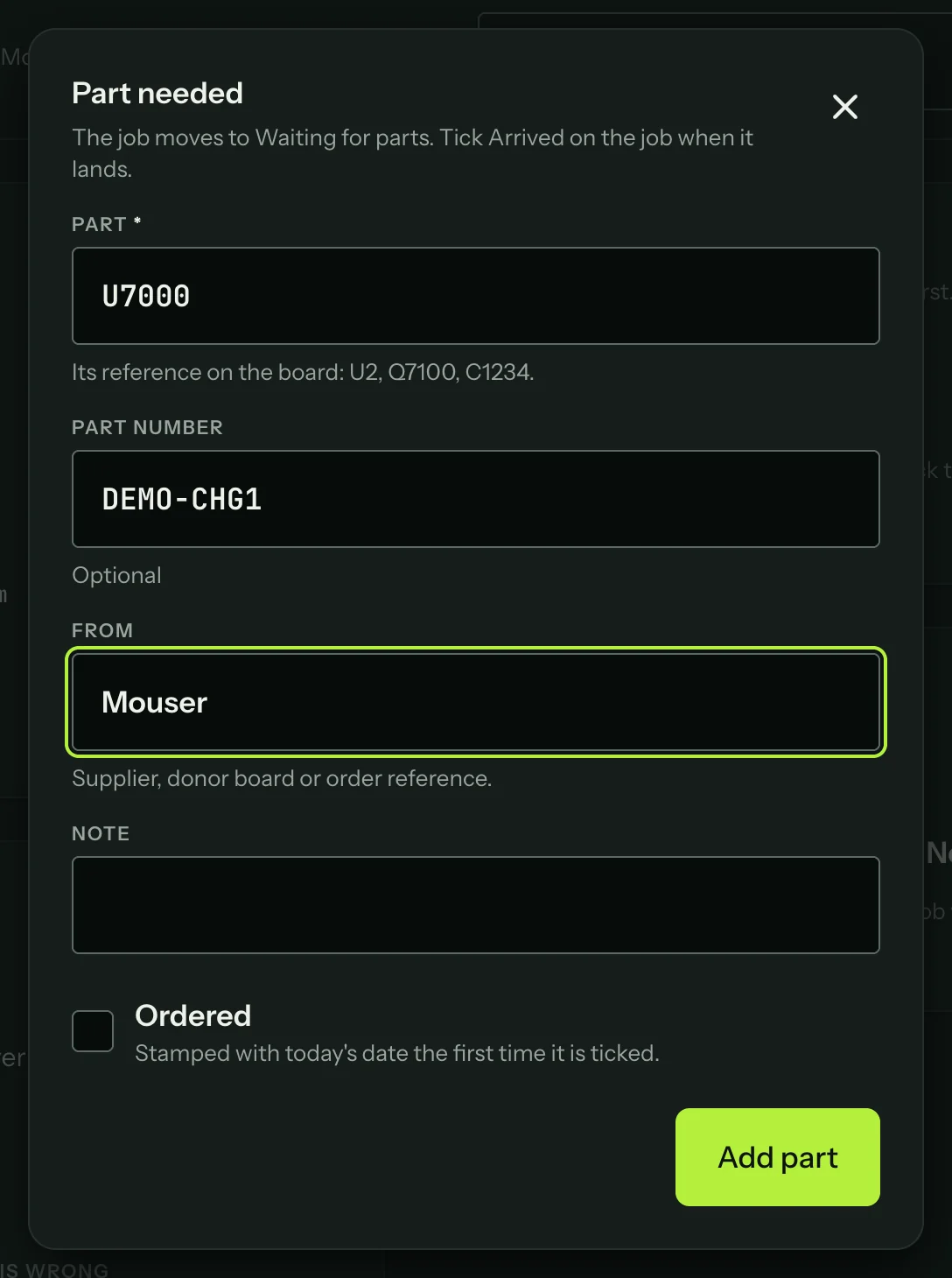
Fill in the part's reference on the board, the part number, where it is coming from (a supplier, a donor board or an order reference) and a note. Tick Ordered once it is ordered; the date is stamped the first time. Adding a part moves the job to Waiting for parts.
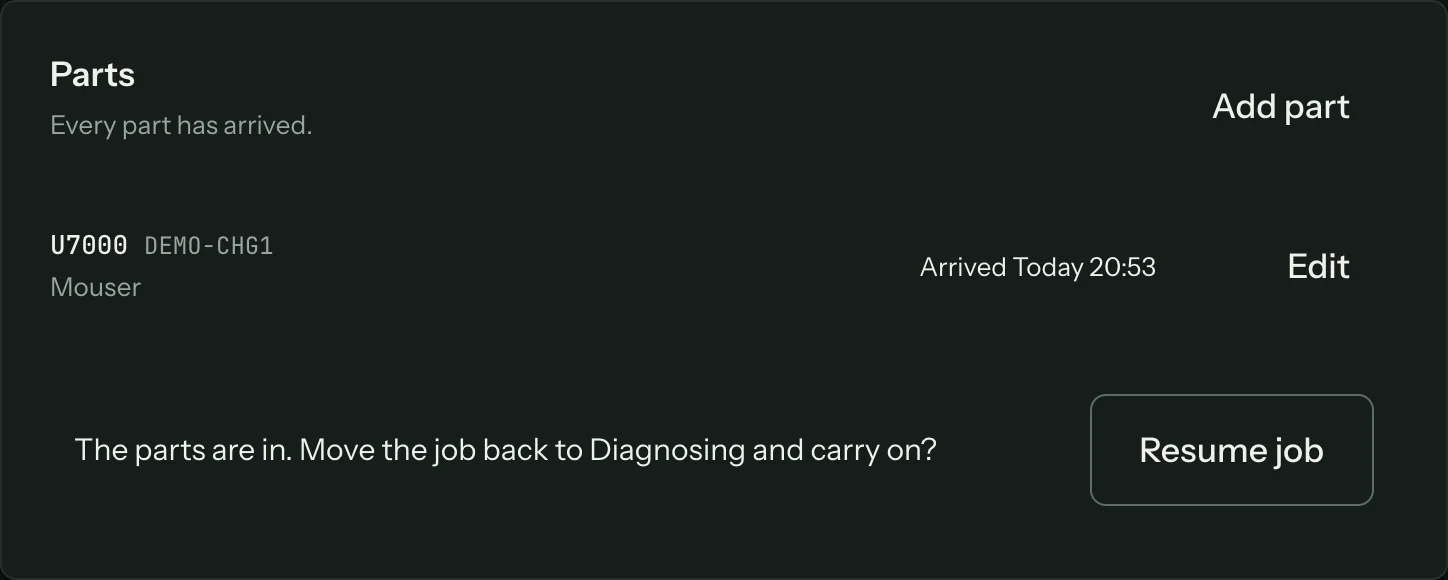
Tick Arrived when it lands. The job list marks the job "Part arrived". When every part is in, Resume job moves the job back to Diagnosing.