

Appearance
Settings: Account and sync
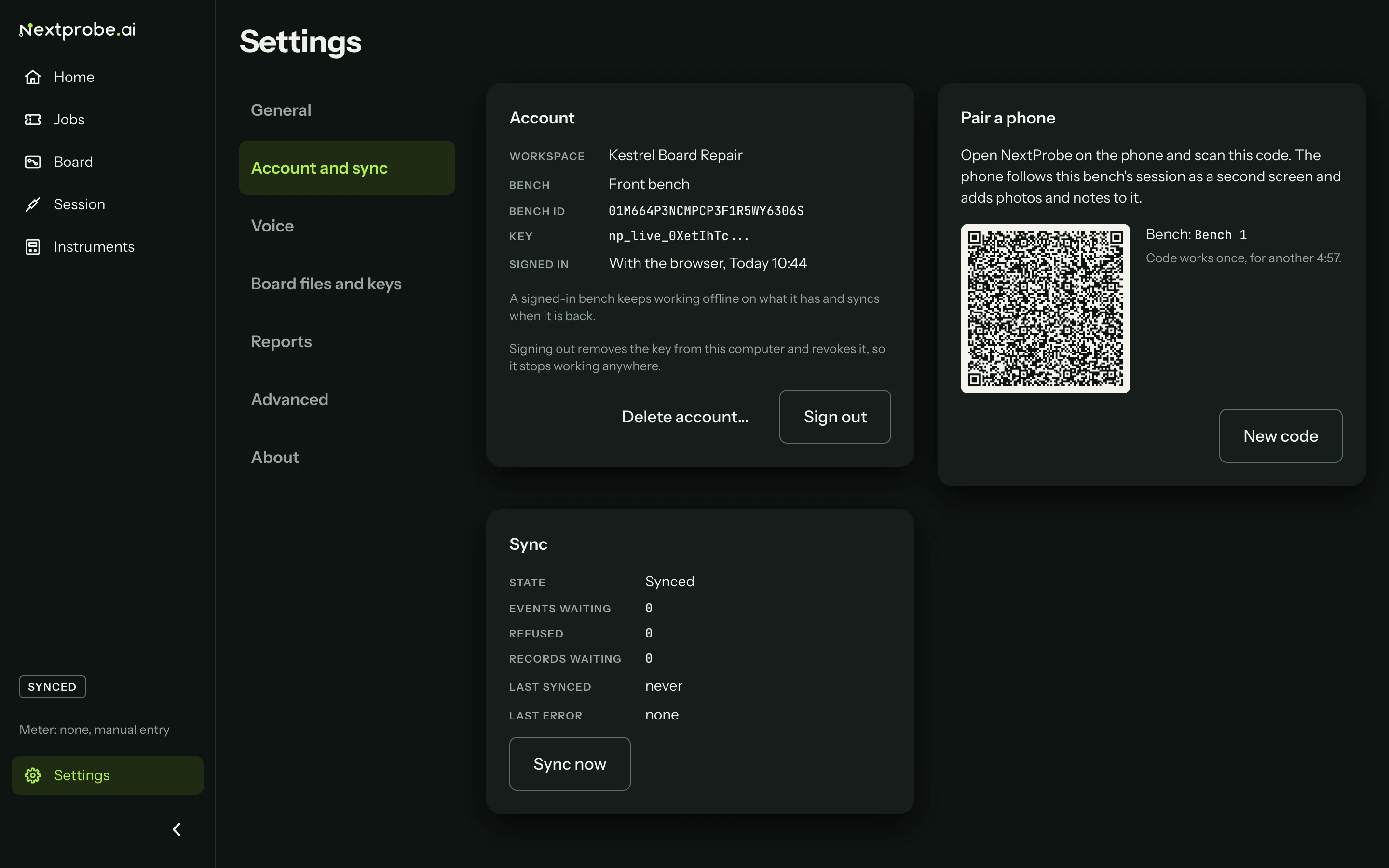
Settings → Account and sync is where the bench signs in and out, pairs a phone, and shows how sync is going.
| Part | What it shows |
|---|---|
| Account | Signed out: Sign in with your browser. Signed in: the workspace, the bench's name and id, the start of its key, how and when it signed in, Sign out and Delete account. See Sign the bench in. |
| Pair a phone | Signed in only: a QR code for the phone companion, with the bench's name and how long the code lasts (five minutes, then New code). See Pair a phone. |
| Sync | The state, readings and records waiting, anything the platform refused, when it last synced and the last error. Sync now runs a sync straight away; Retry refused tries refused items again. See Sync. |