

Appearance
Reports
Every session can become three PDF reports. They are made on the bench that holds the session, so they work offline, and your board file never goes into them. Set up your shop's details first (Settings → Reports; see Set up the bench).
| Report | Who it is for | What it holds |
|---|---|---|
| Tech report | Your shop | The full record: every reading with its leads, mode, range and where the range came from, the meter, the safety confirmations, the path taken, the power sequence, the suspects, a map of the board from your own file, before and after the repair, notes, photos, sources and sign-off. The session record is attached inside the PDF. |
| Customer report | The customer | Plain English: what they told you, what you found, what you did, what you checked and the tests after the repair, with photos and who repaired it. No notes, no board map and no session record. |
| Job sheet | The ticket | One page: the facts, the result, the readings that mattered, and boxes to sign, including one for the customer at collection. |
The Reports panel
The Reports panel sits under the session's step column. Scroll down to it at any point in a session, though most of the time you will use it after the fix.
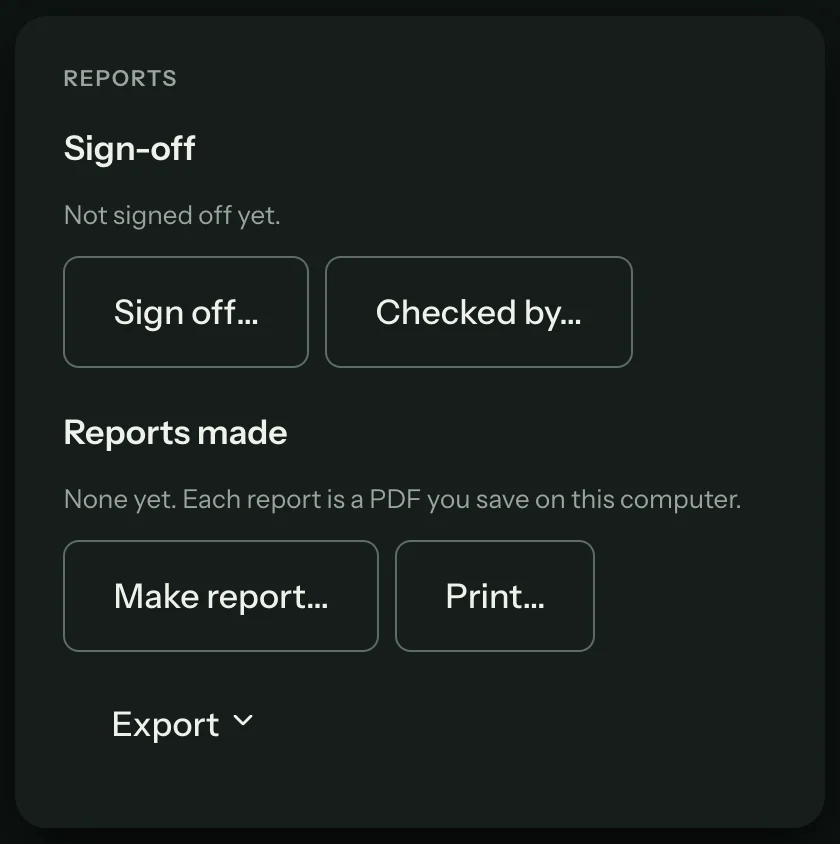
What a report looks like
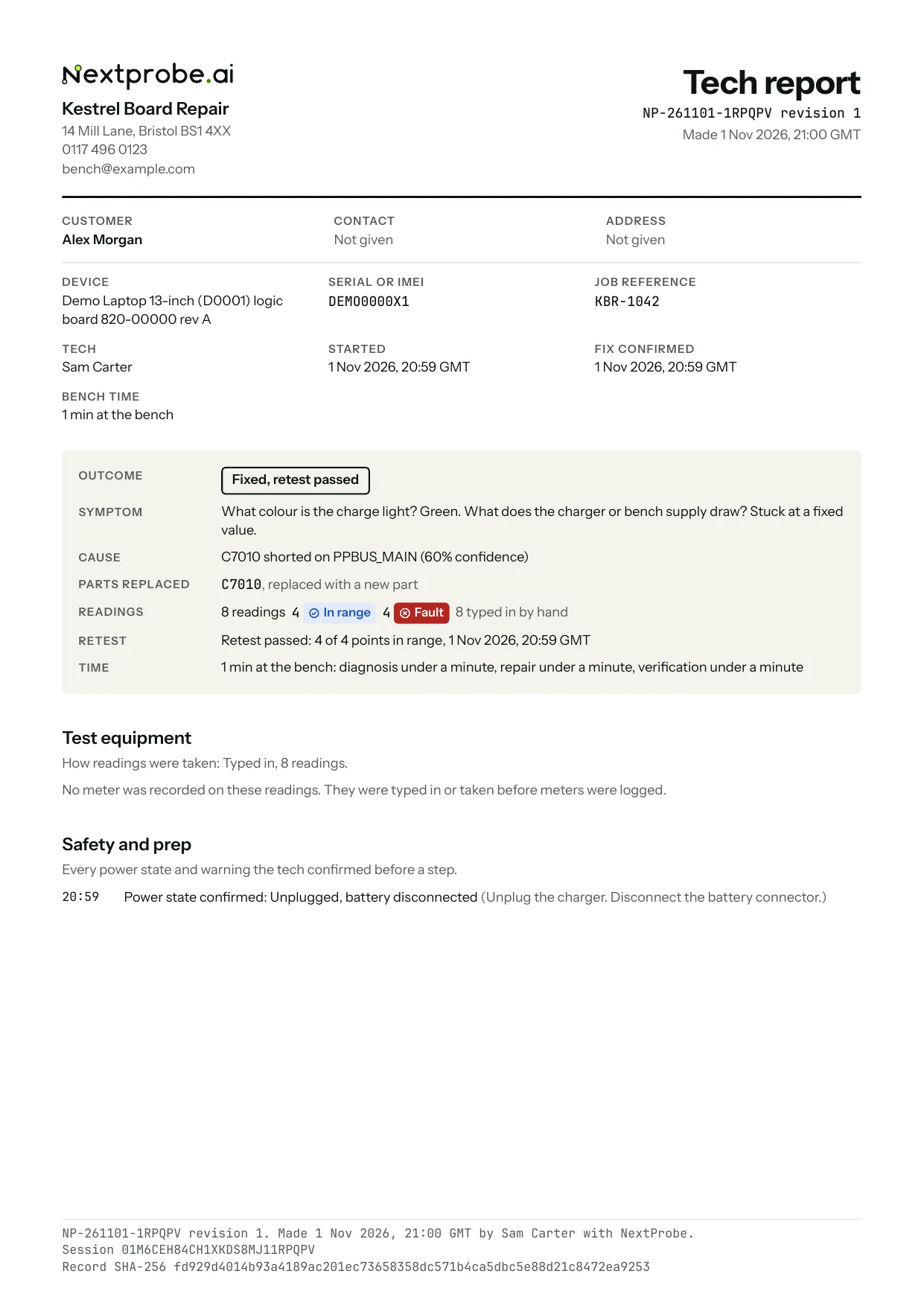
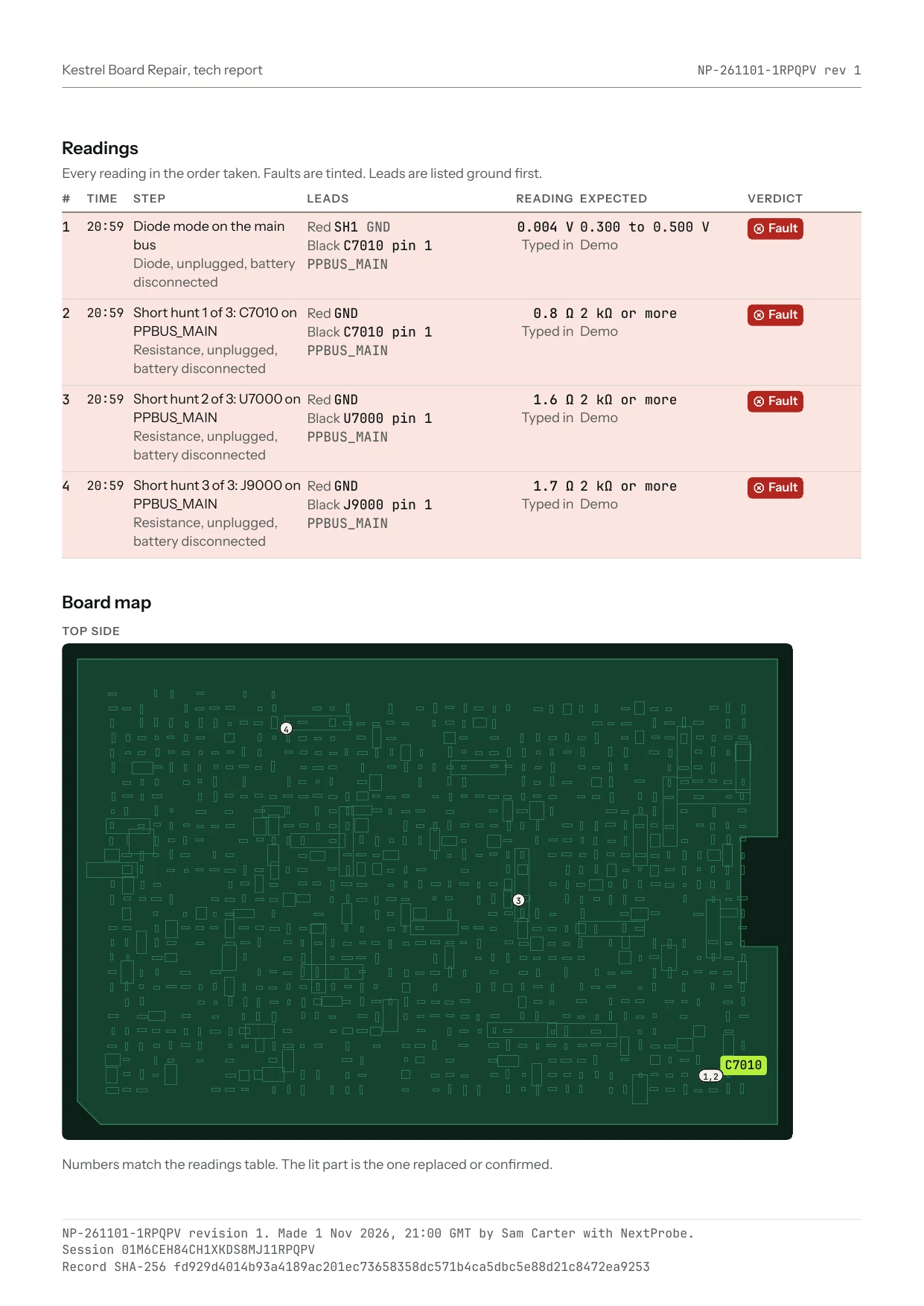
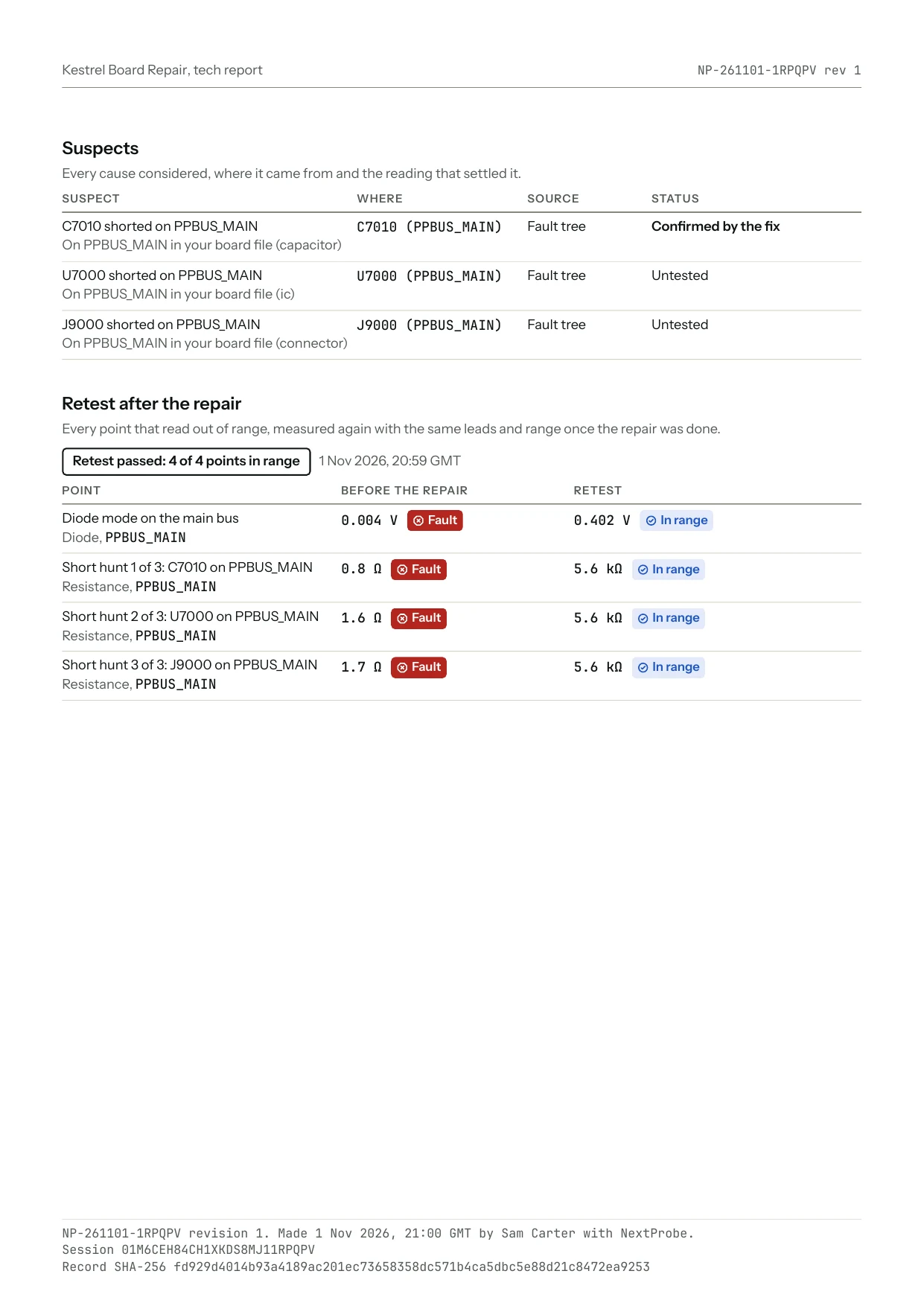
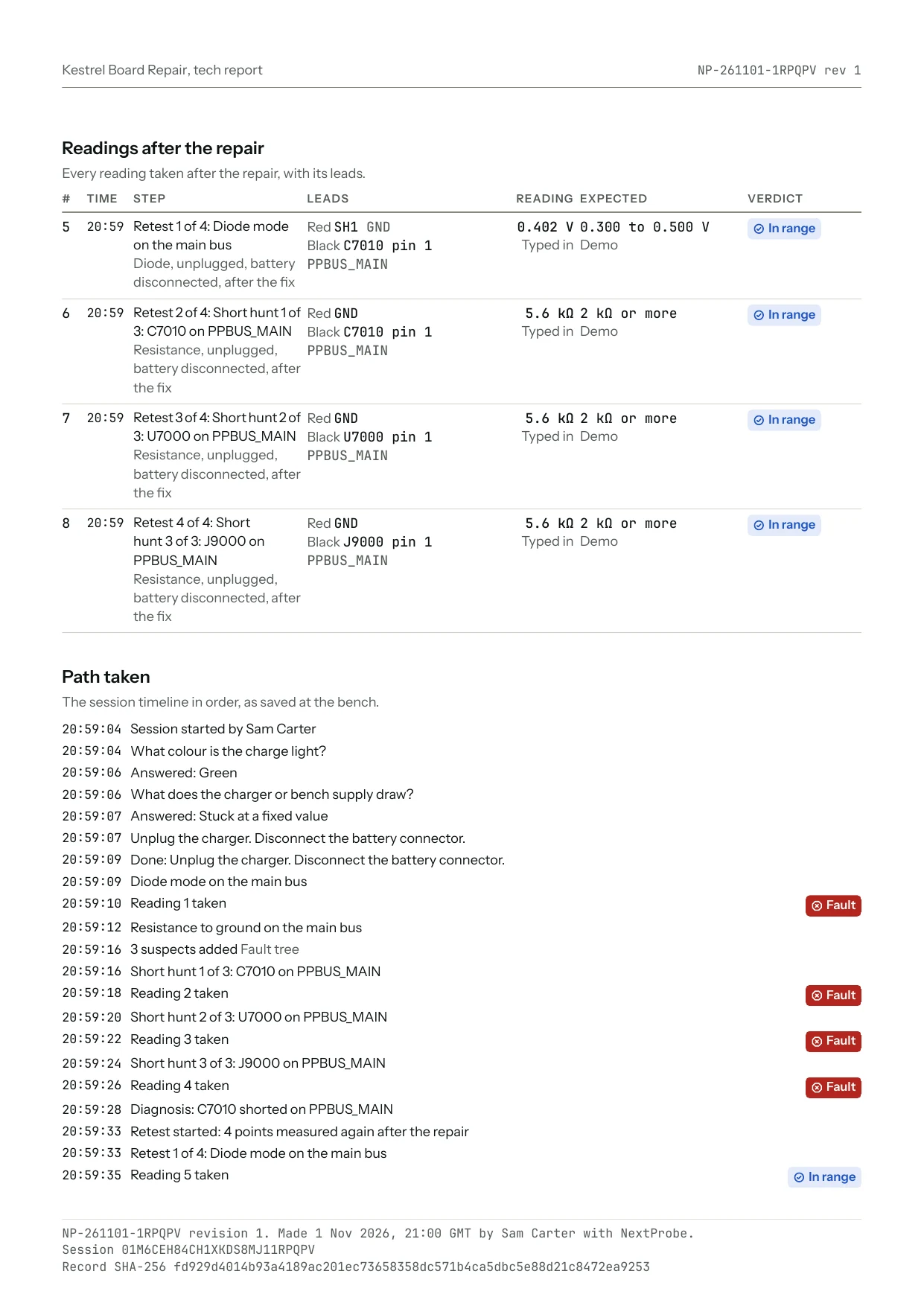
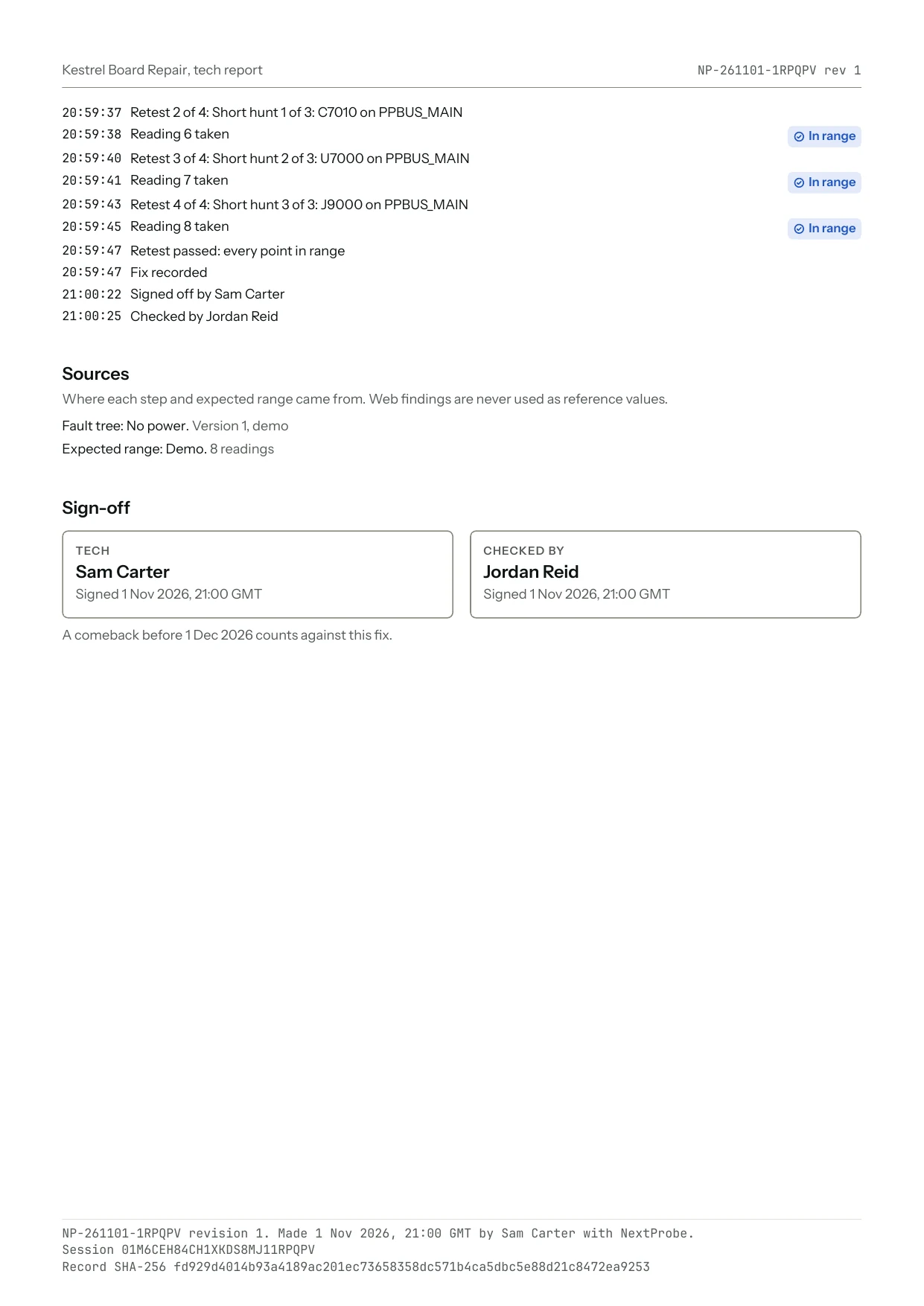
The tech report, five pages for this session: the summary, every reading with its leads and range, the board map from your own file, the suspects and the retest.
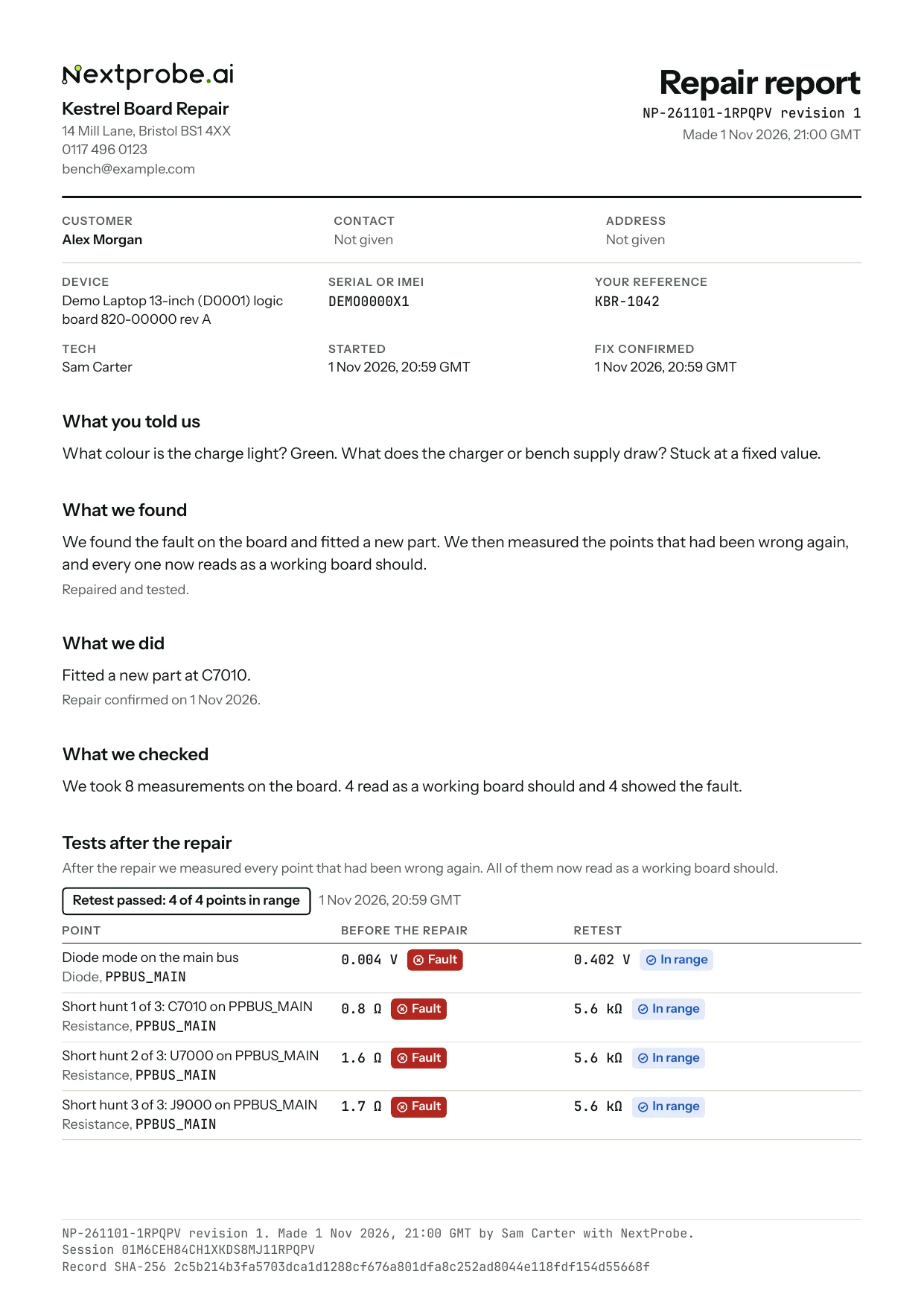
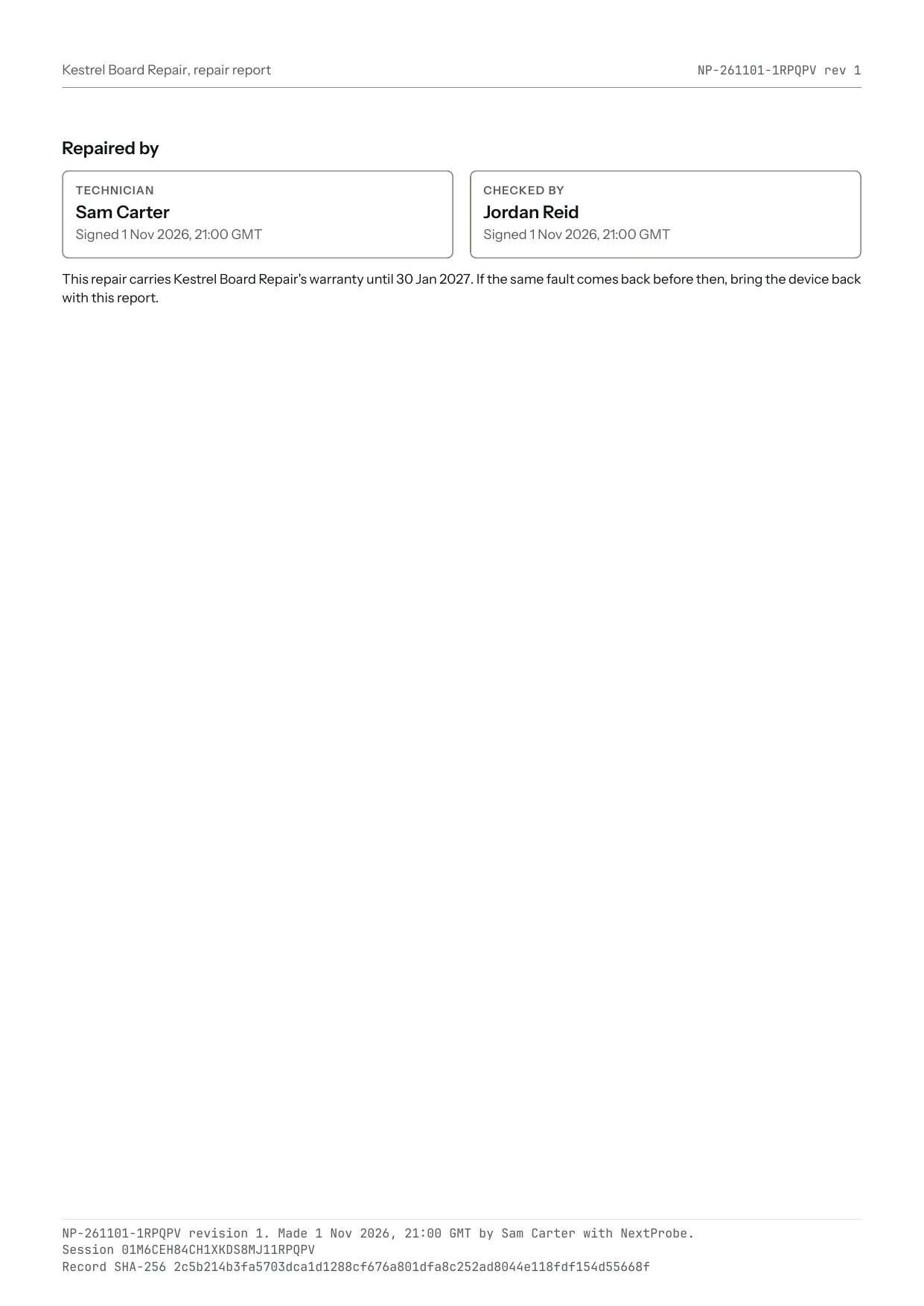
The customer report, headed by the shop, in plain English.
The job sheet: one page with boxes for both techs and the customer.
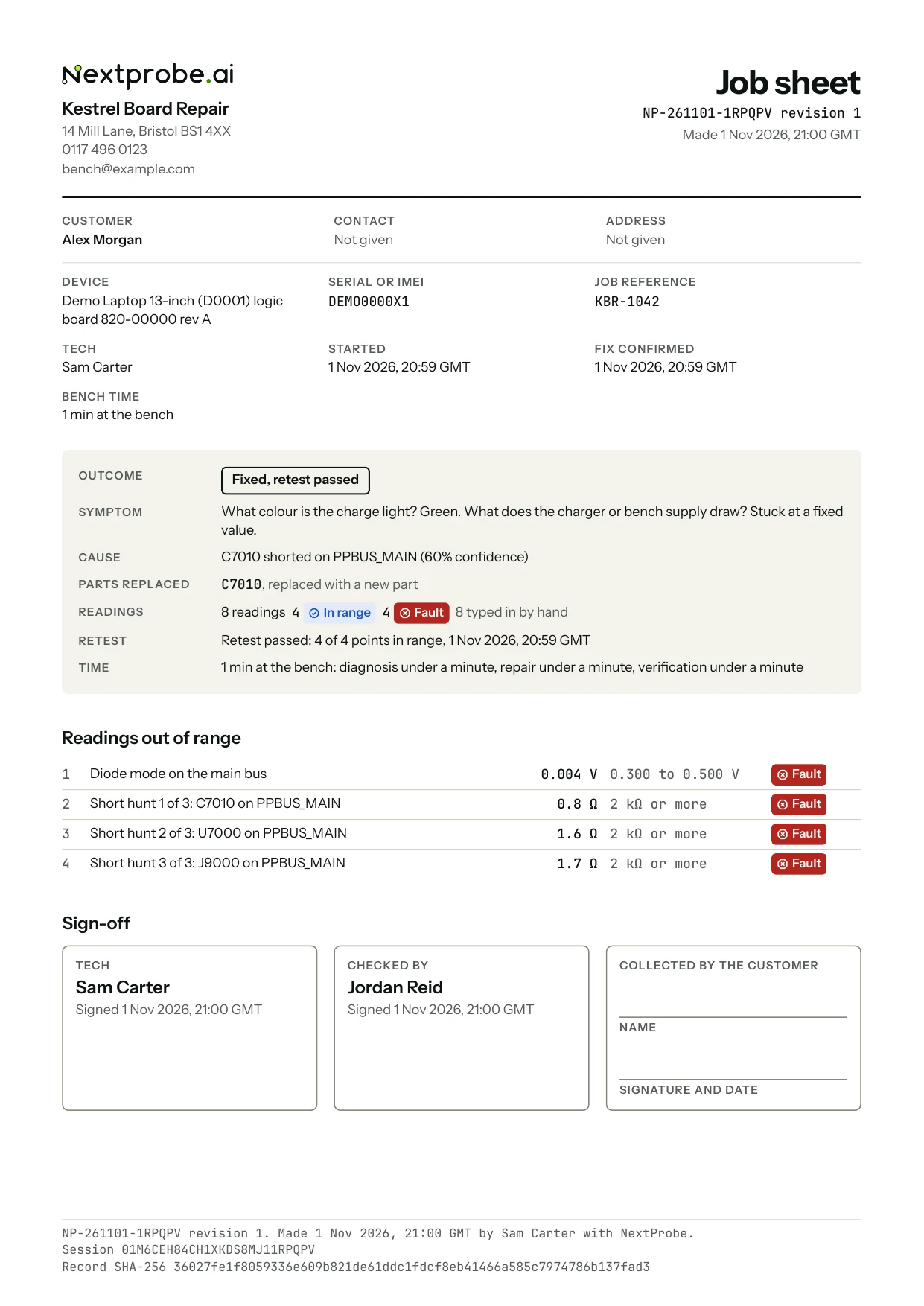
Reports from a demo session for a made-up shop. Click a page to see it full size.
Every report carries:
- Your shop's name, address and logo at the head.
- The tech's name, and dates and times in the bench's time zone.
- A report number taken from the session, such as
NP-261030-060KWJ, and a revision. Making the same kind of report again for the same session gives revision 2, and so on, so an updated report is never mistaken for the first one. - On a signed-in bench, a QR code the customer scans to open the online copy of their report. Settings → Reports can leave it off.
- The SHA-256 digest of the session record in the footer. The tech report and the job sheet also carry the session record itself inside the PDF, as an attachment named
session-record.json. Anyone can check that a report matches the session it came from.
Photos taken on the bench are printed with their caption and the part they show (PNG and JPEG up to 8 MB; other formats are listed by name). Photos from a paired phone are included when the bench is signed in and online.