

Appearance
Hunt a short
When a diode or resistance-to-ground reading comes in as a short, the session offers to hunt it. The card names the rail and how many parts your board file lists on it:

Press Hunt the short. The hunt sweeps every part on the rail in resistance mode, largest capacitors first, then the regulators and ICs, and connectors last. Each part is a step with the leads marked on it. Take each reading as usual.
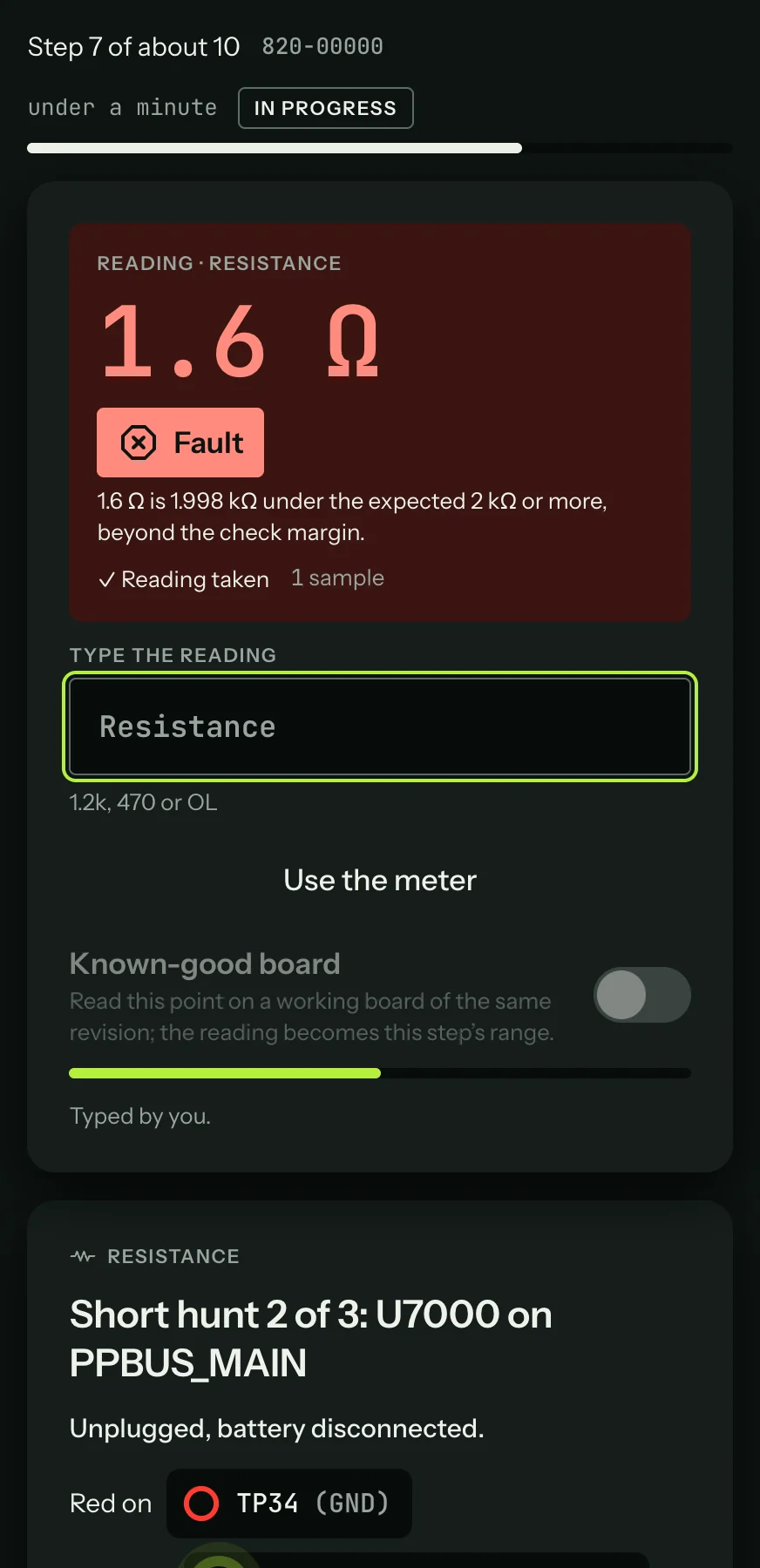
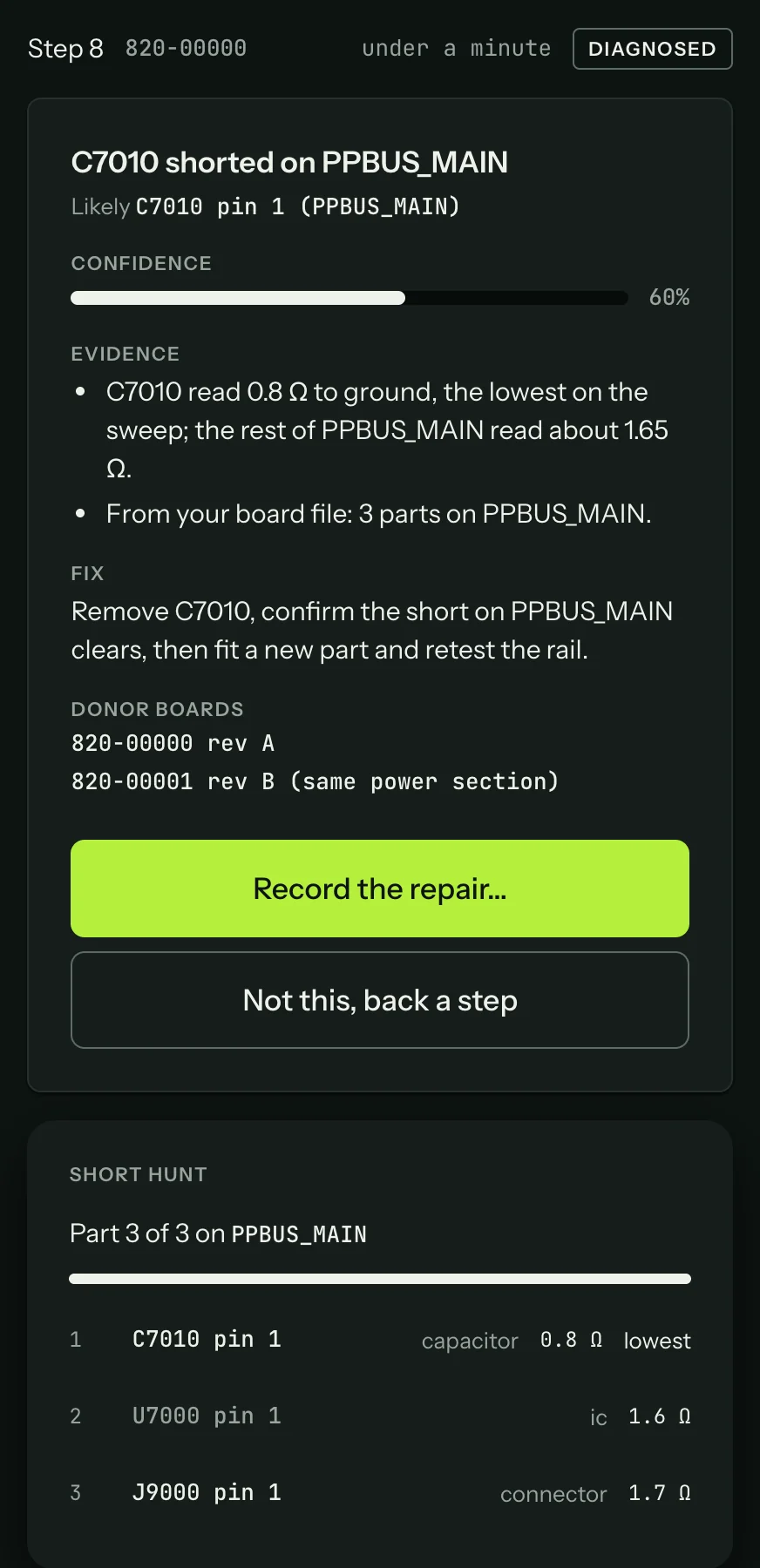
A part reading clearly lower than the rest is the likely short, and the hunt names it as the diagnosis, with the readings as evidence:
Injecting voltage
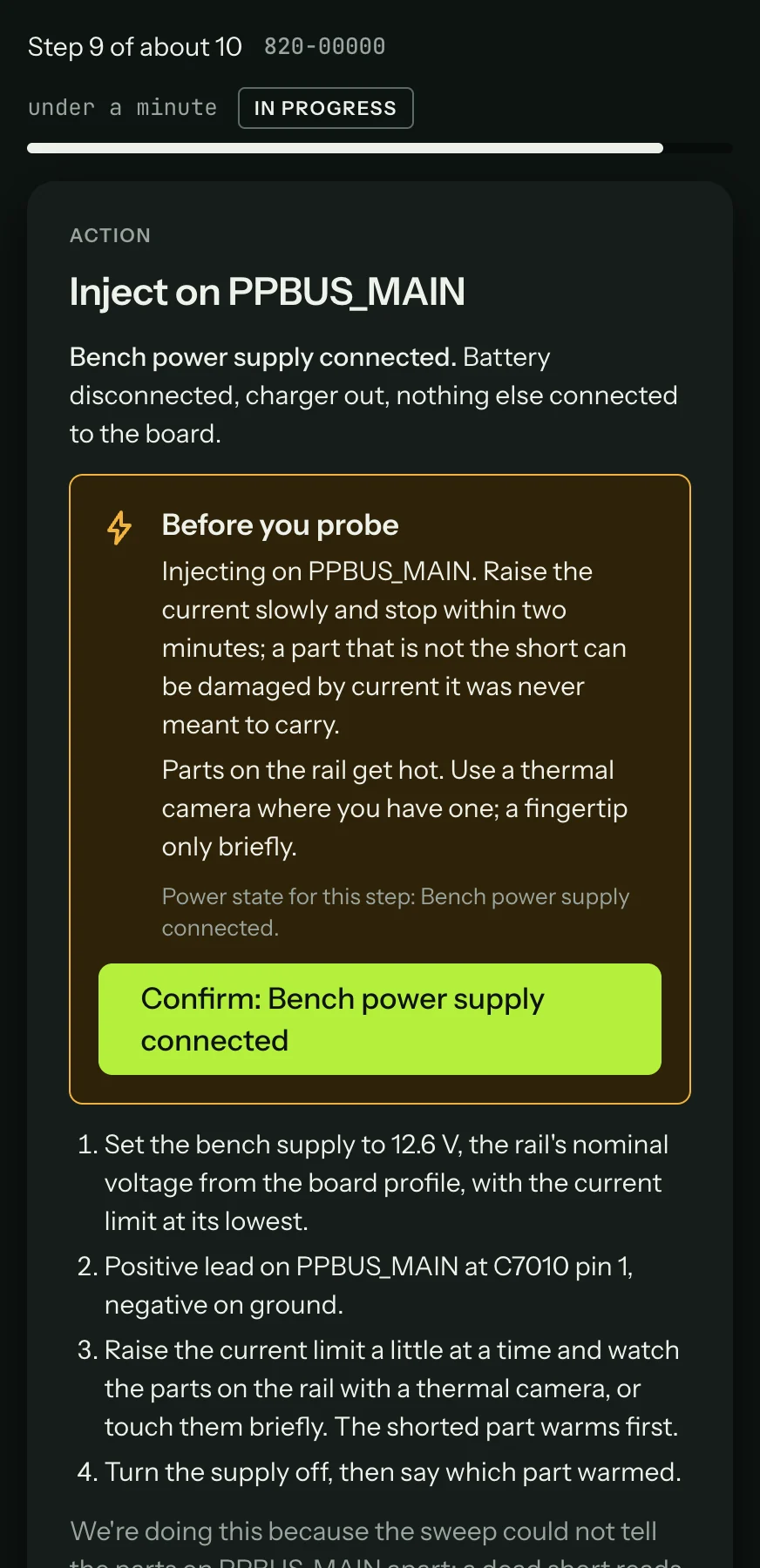
Start at the rail's nominal voltage with the current limit at its lowest, raise the current slowly, and stop within two minutes. A part that isn't the short can be damaged by current it was never meant to carry.
When the sweep can't tell the parts apart, the hunt moves on to voltage injection. A step asks you to put a low voltage on the rail from a bench supply, with a current limit, and to find the part that warms, with a thermal camera or a fingertip. It then asks which part it was. The step's safety check names the voltage and the limit before you start.
The parts come from your own board file, which is why the hunt needs it open. Without a file, the card says "Open your board file for this board to list the parts on" the rail.