Appearance
Sign off and check the work
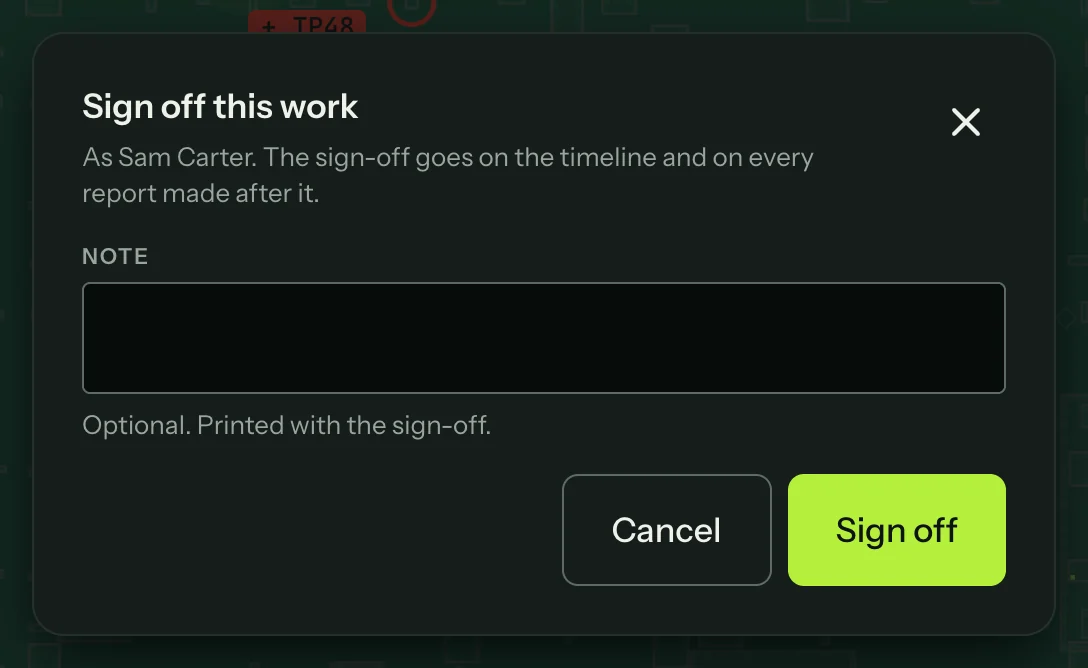
Sign off records that you stand behind the work. Press Sign off, check your name (it comes from Settings → Reports) and add a note if you want one printed with it.
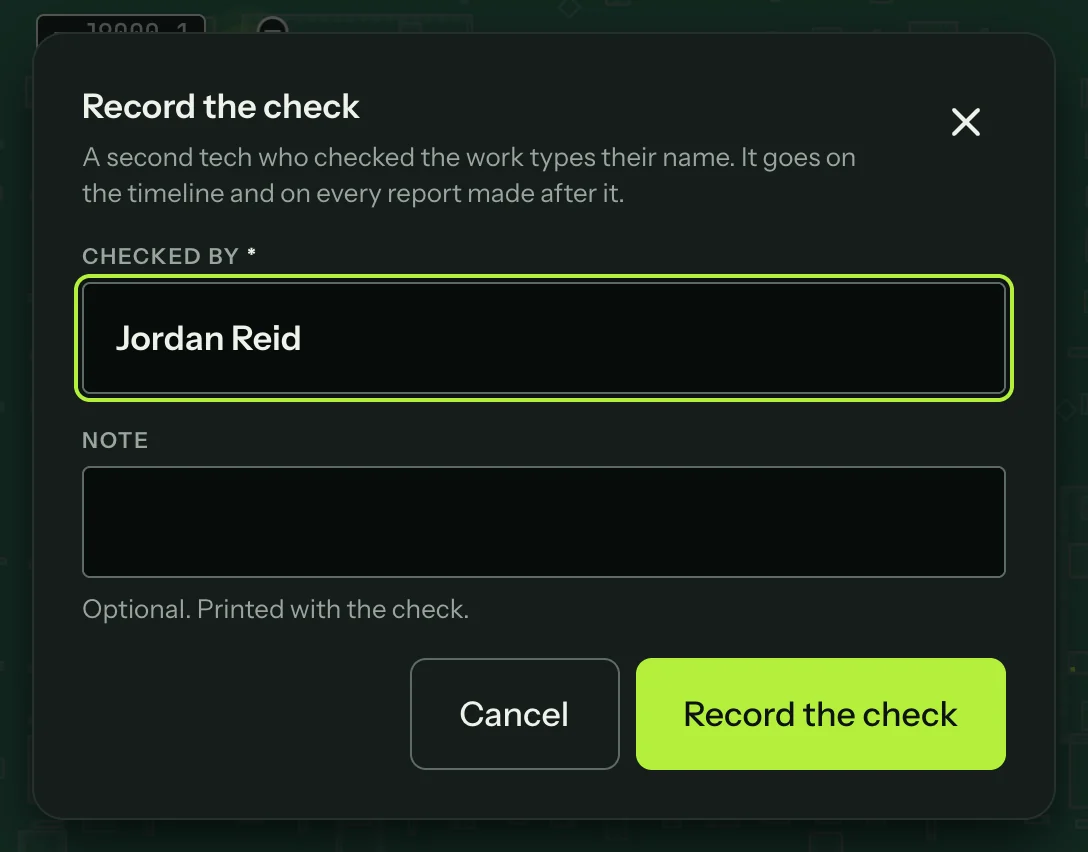
A second tech can then press Checked by, type their name and an optional note, and press Record the check. Both the sign-off and the check go on the timeline and on every report made after them.