

Appearance
Customers
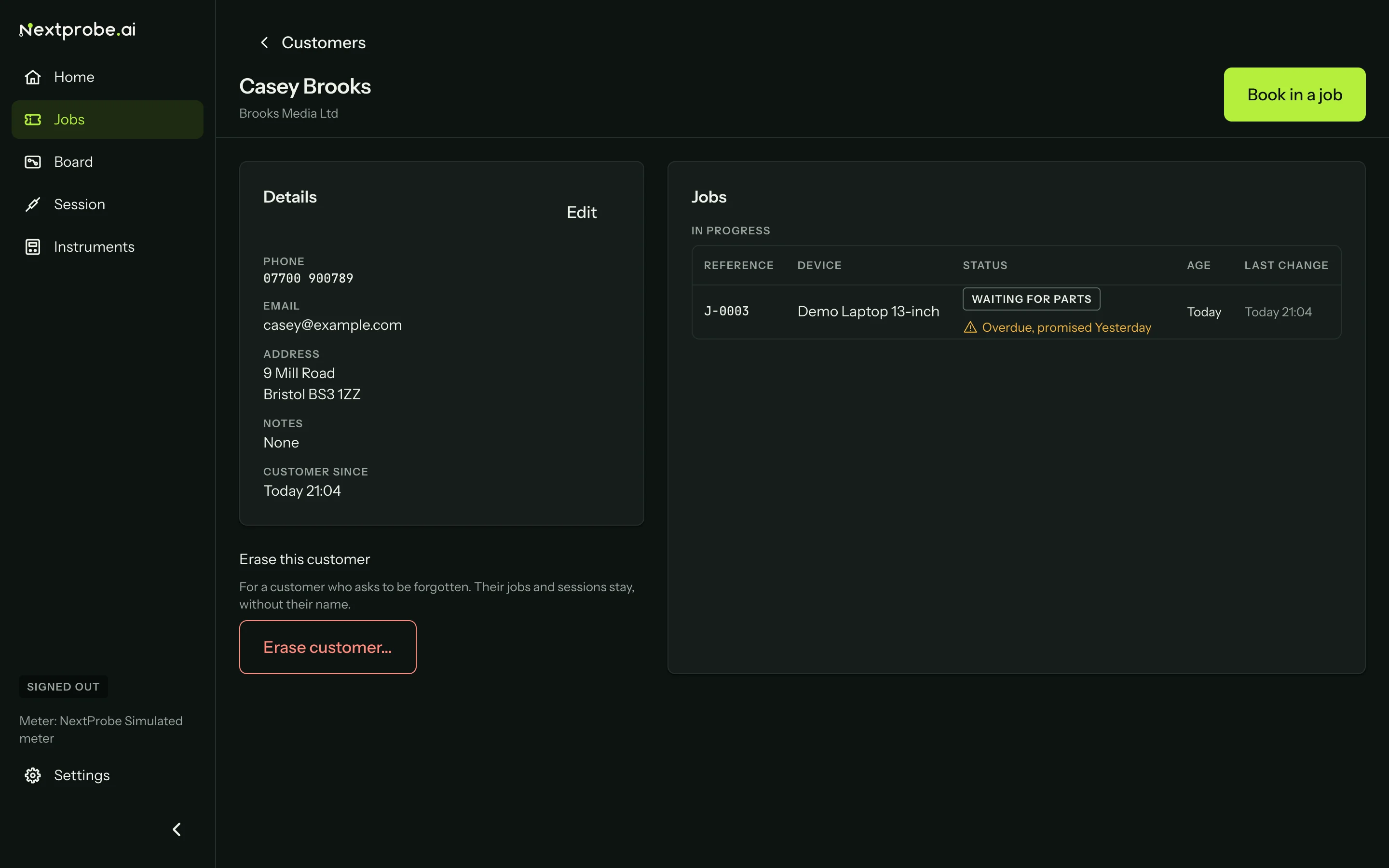
The Customers tab lists everyone you have booked a job in for. Open a customer to see their details and their jobs, in progress and completed. Book in a job for them is the main action.
Erasing a customer
When a customer asks to be forgotten, open them and press Erase customer. The alert says exactly what goes and what stays:
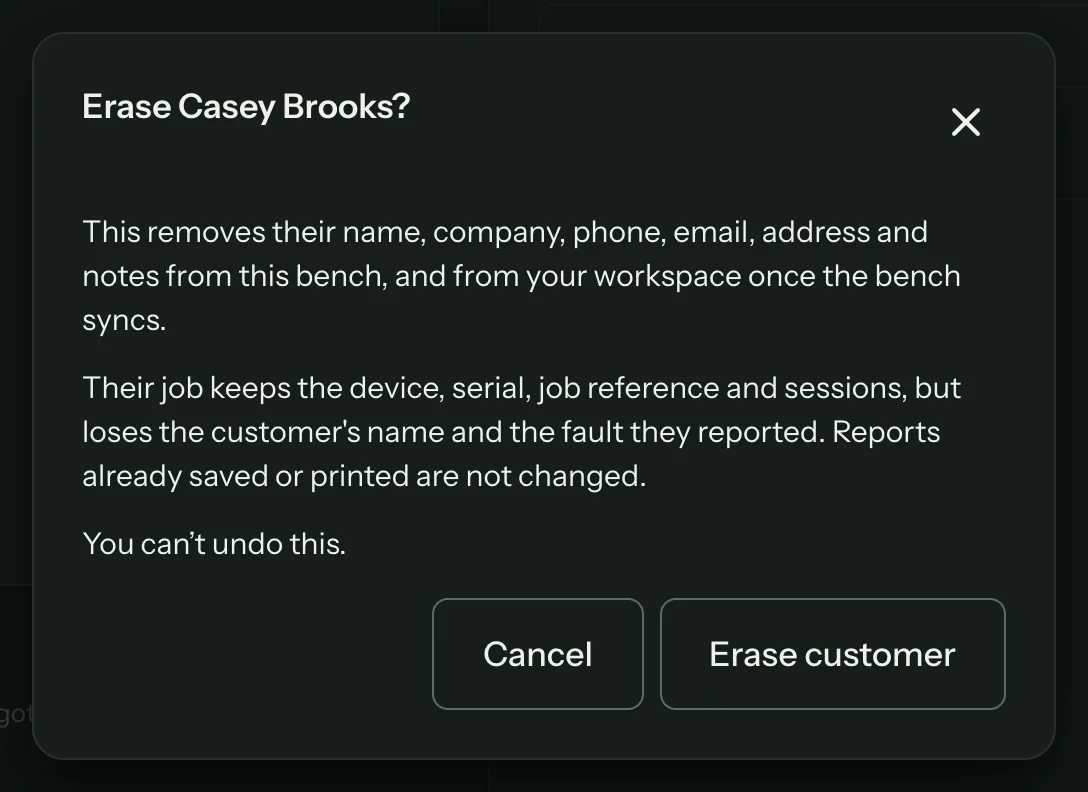
- Their name, company, phone, email, address and notes are removed from this bench, and from your workspace once the bench syncs.
- Their jobs keep the device, serial, job reference and sessions, but lose the customer's name and the fault they reported.
- Reports already saved or printed are not changed.
This can't be undone
Erasing happens at once and cannot be reversed. Make sure you have the right customer open.