

Appearance
Settings: About
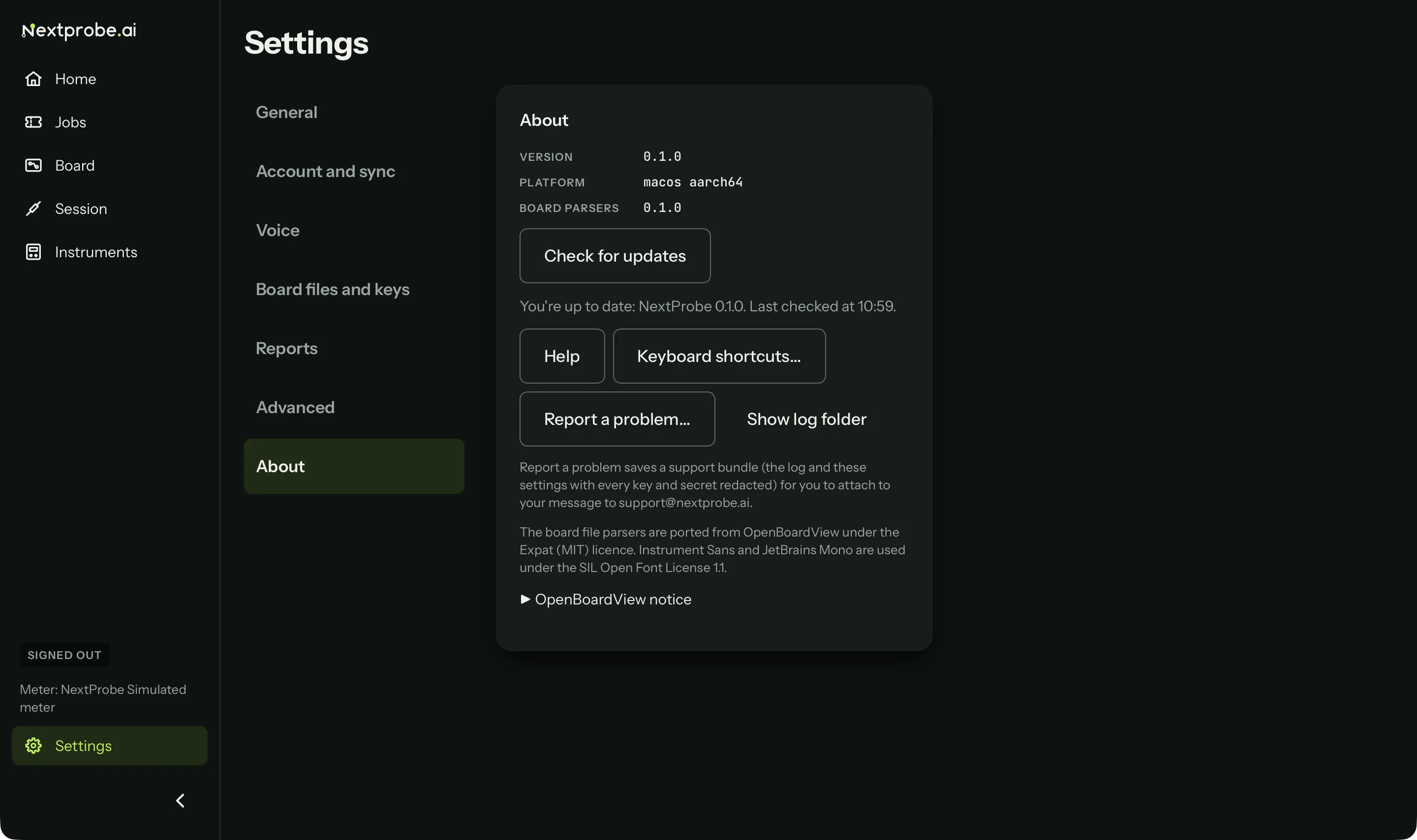
Settings → About shows which version of NextProbe the bench runs, and has the tools you need when something goes wrong.
| Part | What it does |
|---|---|
| Version | The version of NextProbe on this bench. Quote it when you contact support. |
| Platform and Board parsers | The computer's system and chip, and the version of the board file readers. Support may ask for them too. |
| Check for updates | Looks for an update now and says when the bench last checked (Updates). Not shown on Mac App Store installs. |
| Help | Opens these help pages in your browser (F1 does the same). |
| Keyboard shortcuts… | Every key, grouped by App, Session, Viewer and Schematic (Keyboard shortcuts). |
| Report a problem… | Saves a support bundle to attach to your email to support (Get help). |
| Show log folder | Opens the folder holding the bench's log files. |
| Notices | A line on the licences NextProbe uses (OpenBoardView's board file readers under the MIT licence, the two typefaces under the SIL Open Font License), and OpenBoardView notice, which opens to show that notice in full. |