

Appearance
Back, Repeat, Skip and the timeline
These are always under the card:
- Back returns to the previous step. Its reading stays on the timeline; the new one, if you take it, is added.
- Repeat takes the current step again, for a reading you doubt.
- Skip moves on without a reading. On a step you have already read, Skip follows the branch that reading chose, so a fault is never skipped onto the in-range path by mistake.
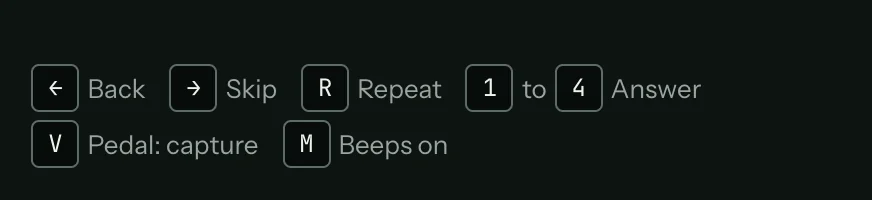
The left arrow is Back, the right arrow is Skip and R is Repeat.
The timeline
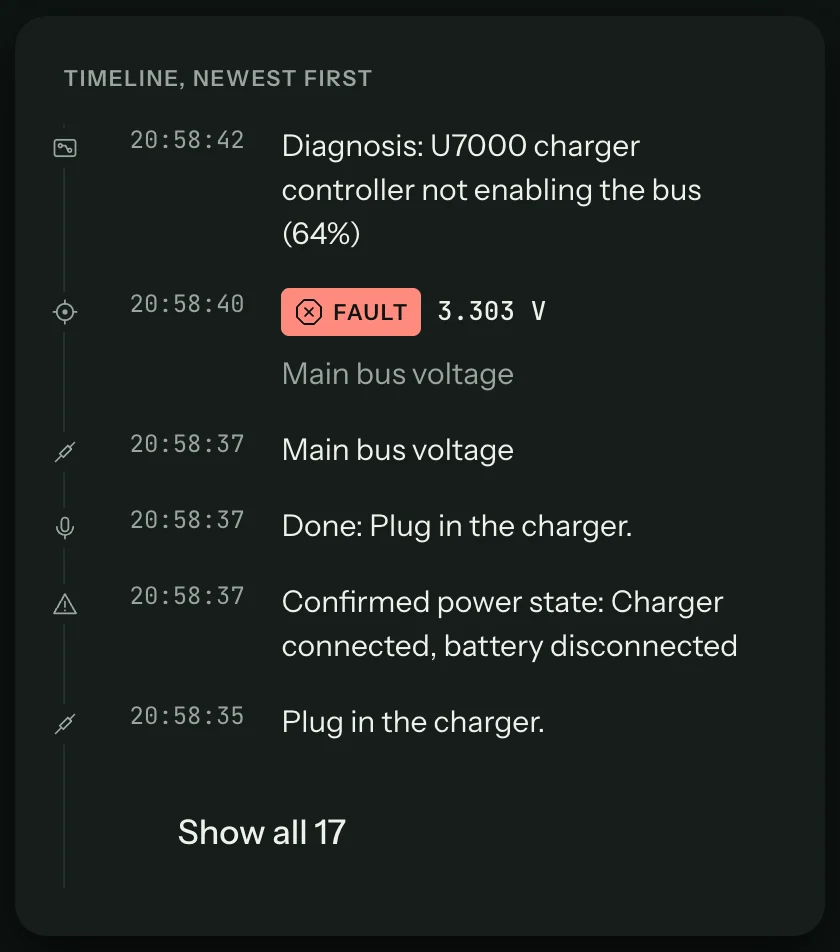
At the foot of the column, the timeline lists everything that happened, newest first: questions and answers, confirmed power states, each reading with its verdict, notes, photos, the diagnosis. The last six show; Show all lists the rest.
Keys on the session screen
| Key | What it does |
|---|---|
| Space or Enter | What the step needs next: Capture, Save reading, Next, Done, or the first answer. The key hint under the card says which. |
| Left arrow | Back |
| Right arrow | Skip |
| R | Repeat |
| 1 to 4 | Pick that answer on a question or inspect step |
| M | Mute or unmute the beeps |
| V | Tap to capture; hold to talk when voice commands are on (Voice commands) |
The keys do nothing while you are typing in a field, so a typed reading never triggers a step.