

Appearance
Fix and close a job
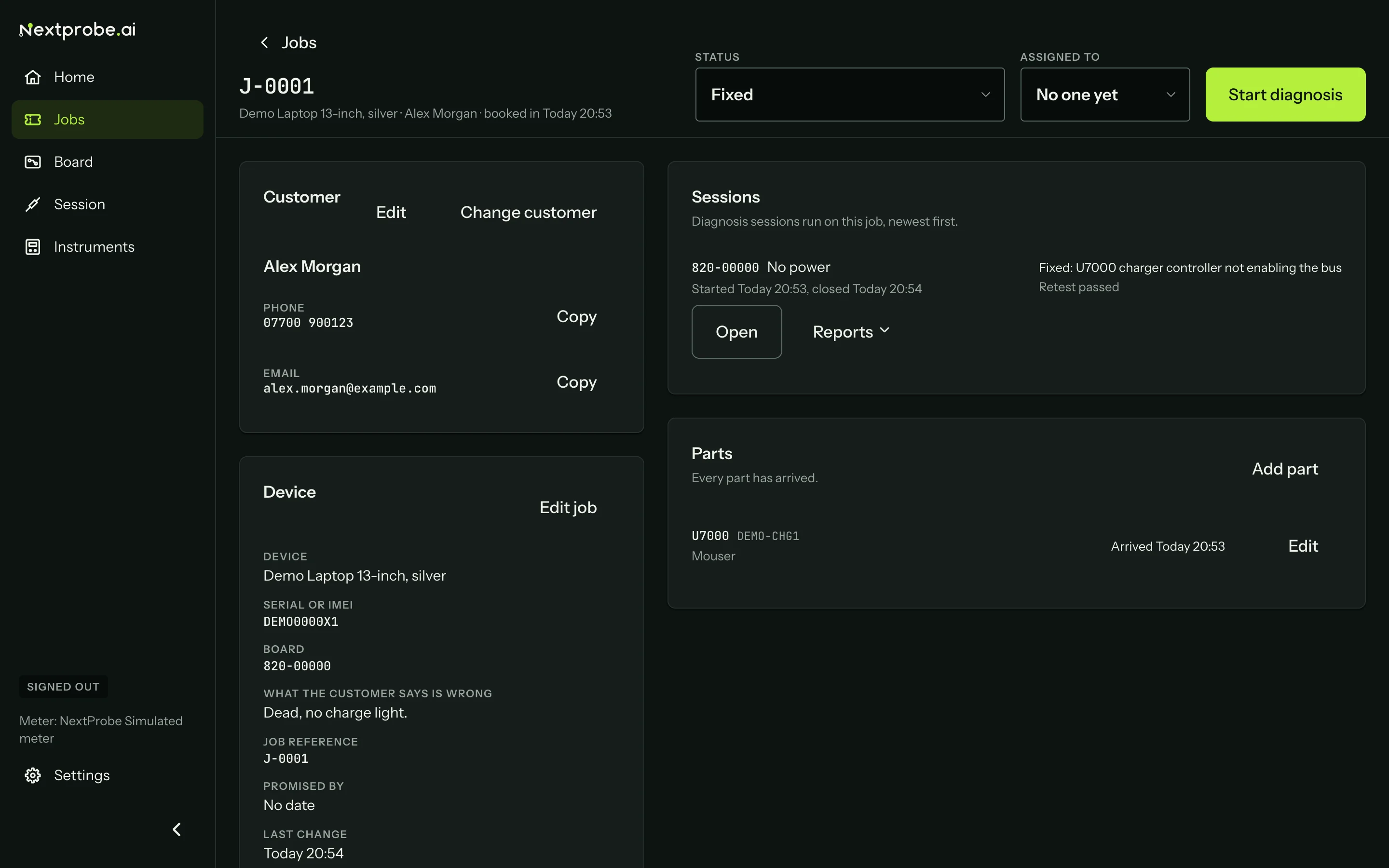
Once a session on the job has its repair confirmed, the job page and the session screen offer Move to Fixed, naming the parts the repair recorded. Then set the status to Ready to collect when the customer has been told, and to Collected when they have it. NextProbe never moves a job on without you.
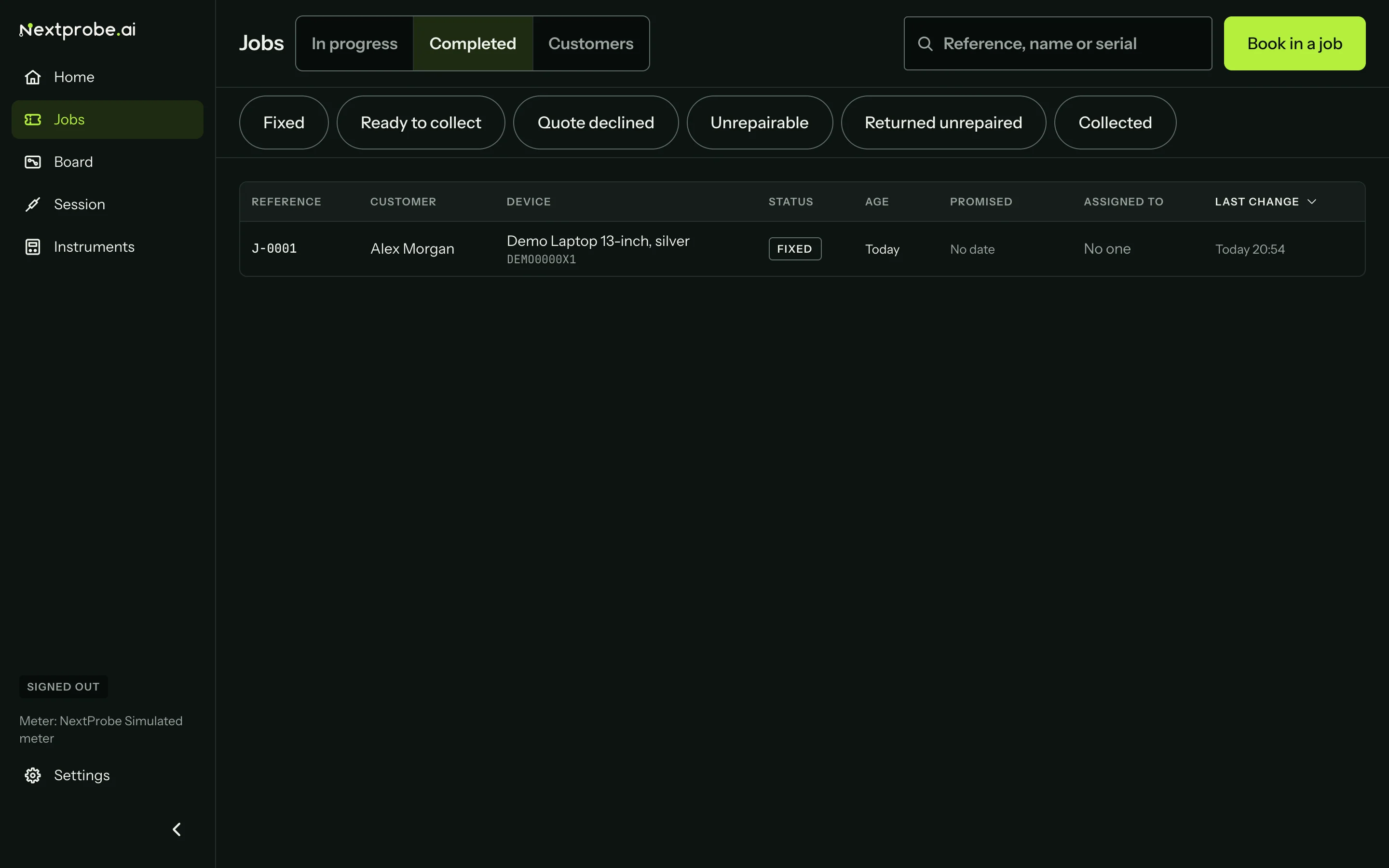
Completed jobs move to the Completed tab.
To close a job without a fix, set the status to Quote declined, Unrepairable or Returned unrepaired. A sheet asks why (Unrepairable, No fault found, Referred to another shop, Customer declined, Needs a senior tech or Abandoned) and for one line in plain words.
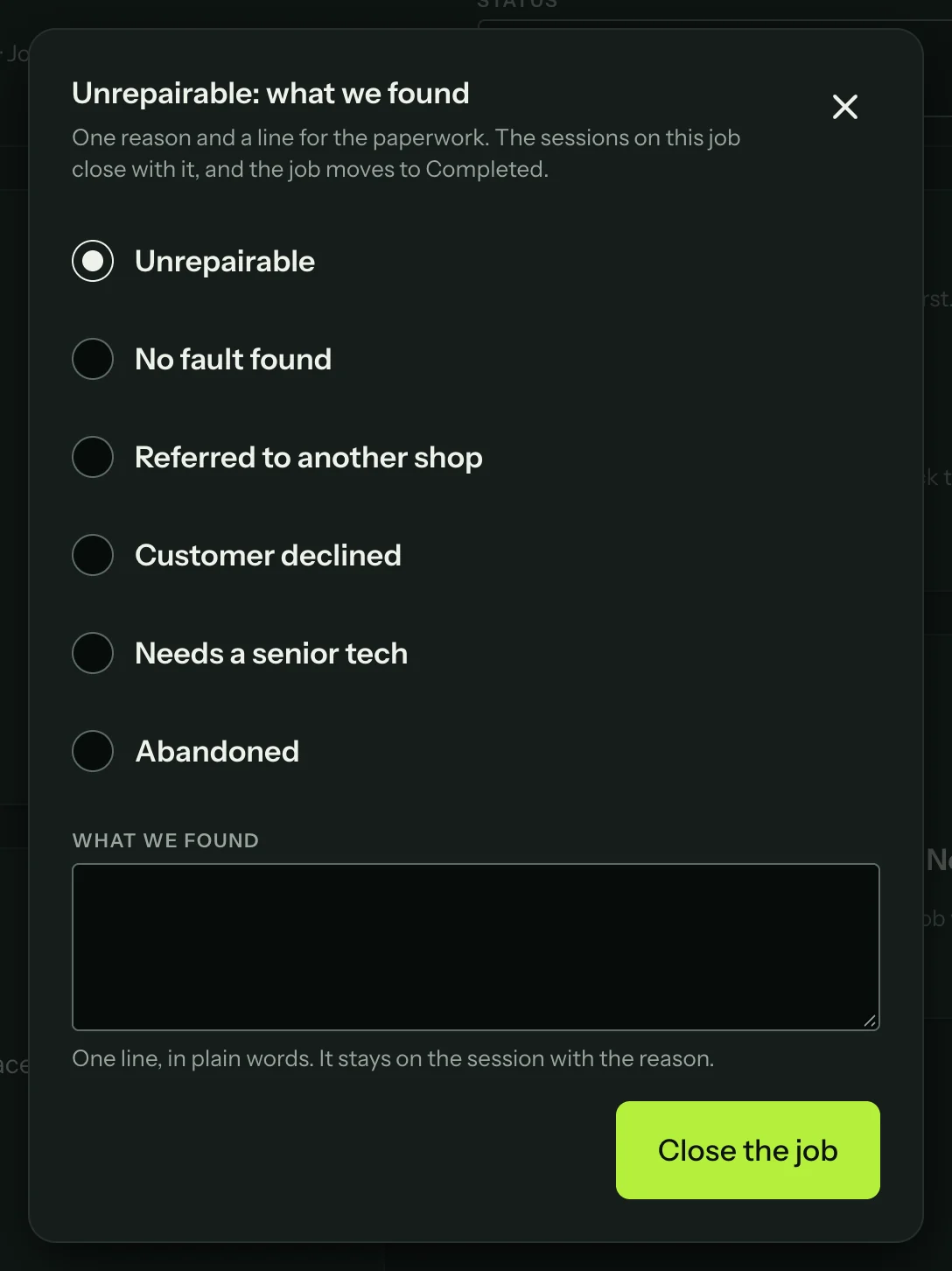
The reason goes on every unfinished session of the job, and a session still open on the bench ends with it. The job moves to Completed.